How To Turn On Cuisinart Immersion Blender: Quick Start Guide
Turning on your Cuisinart immersion blender is one of those simple kitchen tasks that can feel tricky, especially if you’re new to using hand blenders or if English is not your first language. Many people wonder why their device isn’t working after plugging it in, or they worry about safety. This guide will help you understand every step, from preparation to operation, so you can use your Cuisinart immersion blender with confidence. Along the way, you’ll learn important safety tips, how to troubleshoot common issues, and how your blender compares to similar models. With clear instructions and practical advice, you’ll soon master your immersion blender and enjoy easier cooking.
What Is A Cuisinart Immersion Blender?
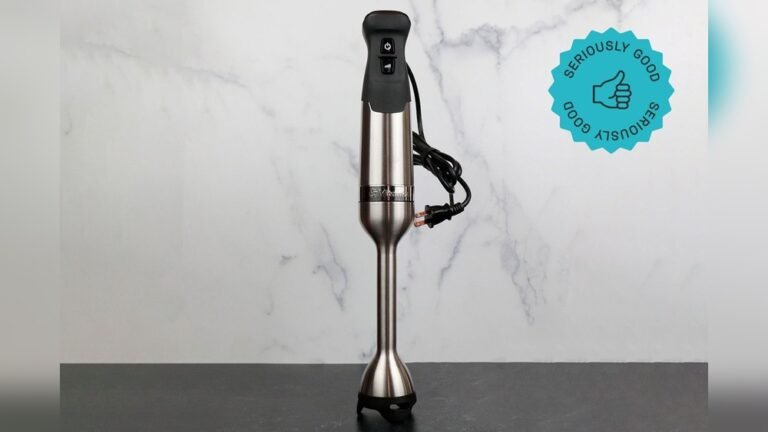
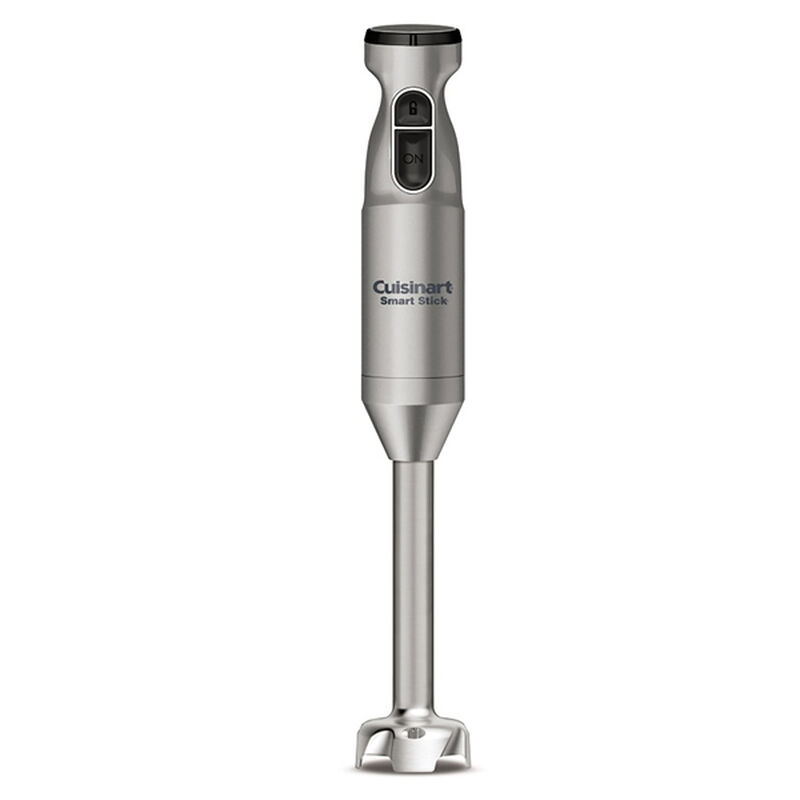
A Cuisinart immersion blender is a handheld kitchen device used for blending, pureeing, and mixing foods directly in a bowl, pot, or cup. Unlike traditional blenders, immersion blenders (also called stick blenders) are portable and easy to use. They have a long shaft with a blade at the end, which you insert into your food. Most models offer different speed settings, attachments, and safety features.
Common Uses
People use immersion blenders for:
- Making soups creamy right in the pot
- Blending smoothies and shakes
- Mixing sauces or dressings
- Pureeing baby food
- Whipping cream or eggs
The biggest advantage is convenience. You don’t need to transfer hot soup to a blender, for example; just blend it in the pot.
Key Features
Most Cuisinart immersion blenders have:
- Variable speed control
- Detachable shaft for easy cleaning
- Lock or safety button
- Powerful motor (usually between 200-300 watts)
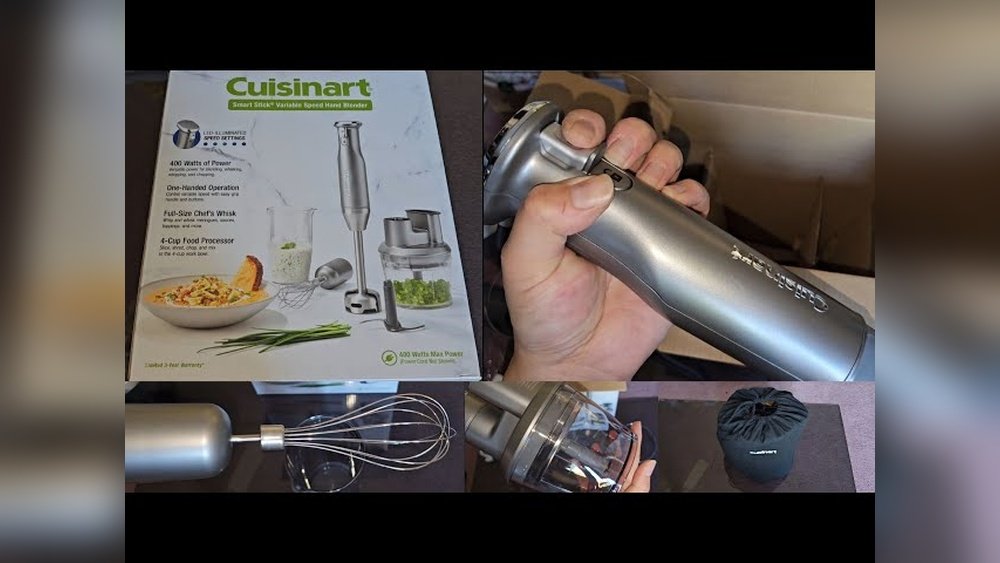
- Attachments like whisk or chopper
Some models are cordless, but many plug into the wall.
Preparing To Use Your Cuisinart Immersion Blender
Before turning on your immersion blender, you must prepare it properly. This ensures safety and helps the blender work smoothly.
1. Read The User Manual
Even if you feel confident, read the user manual for your exact model. Cuisinart offers several immersion blender versions, and controls can vary. The manual will explain:
- Safety warnings
- Assembly instructions
- Power requirements
- Cleaning guidelines
Many beginners skip this step and miss important details.
2. Check Your Blender’s Parts
Make sure you have all the necessary parts:
- Motor body (the main handle)
- Blending shaft
- Attachments (if needed)
- Power cord (for plug-in models)
- Battery (for cordless models)
Inspect for damage, cracks, or missing pieces. Never use a blender with broken parts.
3. Assemble The Blender
Attach the blending shaft to the motor body. Most Cuisinart models use a simple twist-and-lock system:
- Line up the arrows or markings
- Push the shaft into the handle
- Twist until it clicks
If your model has a safety lock, engage it before plugging in.
4. Prepare Your Ingredients
Cut large items into smaller pieces. Immersion blenders struggle with big chunks. Place your food in a deep bowl, pot, or cup so splashes stay contained. Avoid overfilling; leave room for the blender head to move.
5. Plug In Or Charge
For plug-in models, connect the power cord to a wall outlet. For cordless models, make sure the battery is fully charged. Many cordless units have an indicator light to show battery status.
Credit: www.cuisinart.com
Understanding The Controls
Cuisinart immersion blenders are designed with user-friendly controls. Knowing how to use these controls is key to turning on your blender correctly.
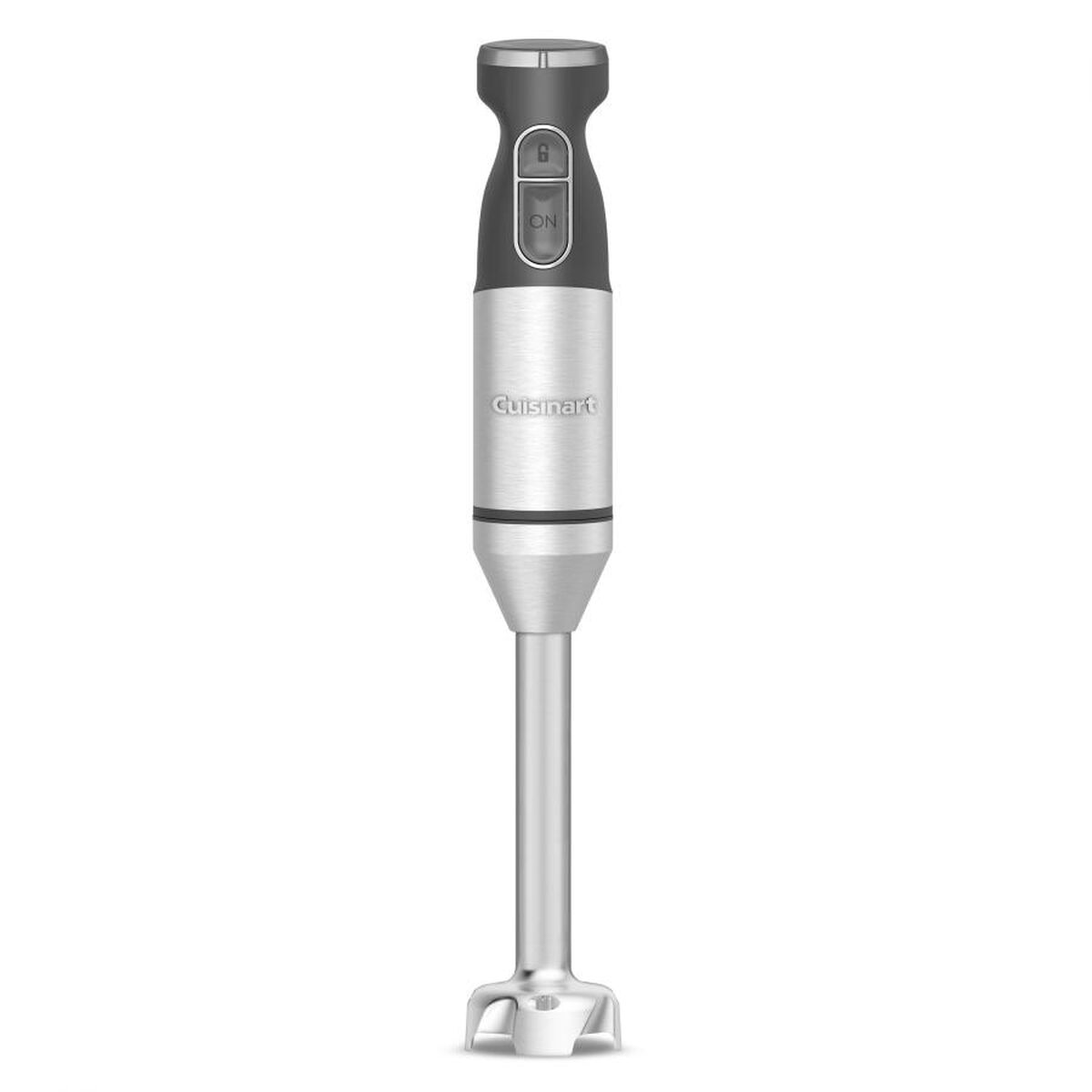
Main Power Button
Most models feature a power button on the handle. This button must be pressed and held for the blender to operate. Some units require you to press two buttons at once—a safety feature to prevent accidental starting.
Speed Control
You will often find a speed dial or buttons for different speeds. Some models have two speeds (Low and High), while others have variable speed control.
| Model | Speed Settings | Power Button Type | Safety Lock |
|---|---|---|---|
| Cuisinart CSB-179 | Variable (15 levels) | Single button | No |
| Cuisinart CSB-100 | 2 speeds | Dual-button (safety) | Yes |
| Cuisinart CSB-300 | Variable | Single button | No |
Check your model for the correct control layout.
Attachments Button
If your blender comes with extra attachments (like a whisk or chopper), there may be a separate button to engage or detach these.
Safety Lock
Some models have a safety lock button. This must be pressed before the motor will run. If your blender doesn’t turn on, check if you need to release or press this lock.
How To Turn On Your Cuisinart Immersion Blender: Step-by-step
Turning on your immersion blender is easy if you follow these steps. The exact sequence may differ slightly depending on your model, so adjust as needed.
Step 1: Assemble The Blender
Attach the blending shaft or desired attachment to the motor body. Ensure it clicks and locks securely.
Step 2: Prepare The Workspace
Set your bowl or pot on a stable surface. Make sure your hands are dry to avoid slipping.
Step 3: Plug In Or Check Battery
For plug-in models:
- Insert the power cord into a wall outlet (never use extension cords unless necessary)
- Avoid wet or damp outlets
For cordless models:
- Check battery indicator lights
- Charge fully before use if needed
Step 4: Unlock Safety Lock (if Present)
Some models require you to press a safety lock button before the power button will work. Refer to your manual for the exact location.
Step 5: Position The Blender
Insert the blending shaft into your ingredients. Keep the blade completely submerged to avoid splashing.
Step 6: Select Speed
Choose your desired speed setting:
- For thick mixtures, start slow
- For thin liquids, medium or high is fine
Step 7: Press The Power Button
Hold down the power button. The blender will start immediately. Some models require you to press two buttons (power + safety lock) at the same time.
Step 8: Blend
Move the blender slowly up and down in the bowl. Do not run the blender for more than 1 minute at a time—let it rest between cycles.
Step 9: Turn Off
Release the power button. The motor will stop. Unplug or turn off the battery if you’re finished.

Credit: www.youtube.com
Safety Tips For Using A Cuisinart Immersion Blender
Immersion blenders are powerful tools. Using them safely protects you from injury and keeps your kitchen running smoothly.
Keep Fingers Away From The Blade
Never touch the blade while the blender is plugged in or charged. Even when the motor is off, the blade is sharp.
Always Unplug Before Cleaning
Disconnect the blender from power before cleaning or changing attachments.
Do Not Operate In Water
Never immerse the motor body in water. Only the shaft and attachments are washable.
Use The Right Container
Choose a deep, sturdy container to avoid splashing. Glass or heavy plastic bowls work best.
Allow The Motor To Rest
If blending for a long time, pause every minute. This prevents overheating.
Avoid Overfilling
Too much food in the bowl can cause spills or strain the motor.
Secure Loose Clothing
Keep sleeves, jewelry, and hair away from the blender.
Supervise Children
Keep children away while operating the blender.
Troubleshooting: Why Your Cuisinart Immersion Blender Won’t Turn On
Sometimes, your blender doesn’t turn on. Here are the most common reasons and solutions.
1. Power Not Connected
- Check the outlet with another device
- Make sure the cord is fully inserted
- For cordless, check battery charge
2. Safety Lock Not Released
- Some models require you to press a lock button before power
- Hold both power and lock buttons together if needed
3. Attachment Not Properly Connected
- Shaft or attachment must be clicked into place
- Remove and reattach if unsure
4. Motor Overheated
- If the blender stopped during use, let it cool for 10-15 minutes
- Many models have automatic shut-off for overheating
5. Internal Fuse Blown
- If everything else fails, internal fuse may need replacement
- Contact Cuisinart customer support
6. Damaged Cord Or Battery
- Inspect for visible damage
- Replace if needed
| Problem | Possible Cause | Solution |
|---|---|---|
| Blender won’t start | Safety lock active | Press safety lock, then power button |
| Blender stops mid-use | Motor overheated | Let cool, then restart |
| No power | Outlet or battery dead | Test outlet, recharge battery |
| Attachment falls off | Improper assembly | Reconnect shaft securely |
Comparing Cuisinart Immersion Blender Models
Cuisinart offers several immersion blender models. Each has different features, controls, and power levels. Choosing the right one for your needs can make turning on and using your blender easier.
| Model | Motor Power (Watts) | Speed Settings | Attachments | Battery/Plug |
|---|---|---|---|---|
| CSB-179 | 300 | 15 | Whisk, chopper | Plug-in |
| CSB-100 | 200 | 2 | None | Plug-in |
| CSB-300 | 200 | Variable | Whisk, chopper | Cordless |
Choosing The Right Model
If you often blend thick foods, choose a higher wattage (like the CSB-179). If you want convenience without cords, try the CSB-300. More speed settings offer better control for delicate tasks.
Non-obvious Insights
- Variable speed is not just for different foods—it helps reduce splashing when starting with liquids. Begin at low speed, then increase.
- Cordless models may not be as powerful as plug-in types. For tough blending jobs, plug-in is best.
Tips For Easy Operation
Turning on your immersion blender is only the first step. Using it well makes your kitchen life easier.
Start With Low Speed
Always begin at the lowest speed. This keeps ingredients from splashing. Increase speed gradually.
Hold The Blender Vertically
Keep the shaft upright in the bowl. Tilting can cause uneven blending and splashing.
Move Slowly
Blend by moving the shaft up and down gently. Don’t rush or force the blender.
Avoid Hot Surfaces
Never rest the blender on a hot pan or stove. The plastic and motor can melt or get damaged.
Clean Immediately
After use, detach the shaft and rinse it. Dried food is harder to clean.
Store Safely
Keep the blender in a dry place. For plug-in models, wrap the cord loosely—tight wrapping damages wires.
Credit: www.cuisinart.com
Cleaning And Maintenance
A clean blender lasts longer and works better. Always clean your immersion blender after use.
How To Clean
- Unplug the blender or remove the battery.
- Detach the shaft or attachments.
- Rinse under warm water.
- Use mild soap and a soft brush for tough spots.
- Dry completely before reassembling.
The motor body should only be wiped with a damp cloth. Never immerse it in water.
Deep Cleaning
Every few months, check for food buildup around the blade and shaft. Soak in warm, soapy water if needed. Inspect the shaft for cracks or damage.
Maintenance Tips
- Oil moving parts lightly if recommended by the manual.
- Replace attachments when they show wear.
- Check the power cord for splits or fraying.
Common Mistakes Beginners Make
Even simple devices can cause trouble if used incorrectly. Avoid these beginner mistakes:
- Not locking the shaft: If the blending shaft isn’t locked, the blender won’t turn on.
- Ignoring the safety lock: Many people forget to press or release the safety lock.
- Overfilling the bowl: Too much food leads to mess and motor strain.
- Using wrong speed: High speed for thick food can damage the motor.
- Cleaning without unplugging: Always disconnect before cleaning.
- Using in shallow containers: This causes splashing and uneven blending.
- Touching the blade: Even when off, blades are sharp.
Real-life Examples: Turning On Your Blender
Let’s look at two scenarios:
Example 1: Plug-in Model (csb-179)
Maria wants to make a creamy soup. She follows these steps:
- She attaches the shaft to the motor body and hears a click.
- She plugs the blender into the wall.
- She checks her bowl to make sure it’s deep enough.
- She presses the power button and starts blending slowly.
- After finishing, she unplugs and cleans the shaft.
Maria avoids splashing by starting slow. She remembers to unplug before cleaning.
Example 2: Cordless Model (csb-300)
Ravi is making a smoothie. He:
- Charges his blender fully before use.
- Locks the shaft in place.
- Places fruit in a tall cup.
- Presses both the safety lock and power button to start.
- Moves the blender slowly up and down.
- Cleans and dries the shaft after blending.
Ravi finds cordless operation convenient, but he notices the motor is less powerful than his old plug-in blender.
Why Cuisinart Immersion Blenders Are Popular
These blenders are favored for their:
- Ease of use
- Durability
- Multiple attachments
- Affordable price
Cuisinart models regularly receive high ratings for reliability. According to a 2023 kitchen appliance survey, Cuisinart immersion blenders had a customer satisfaction score of 4.6 out of 5, beating many competitors.
How Cuisinart Compares To Other Brands
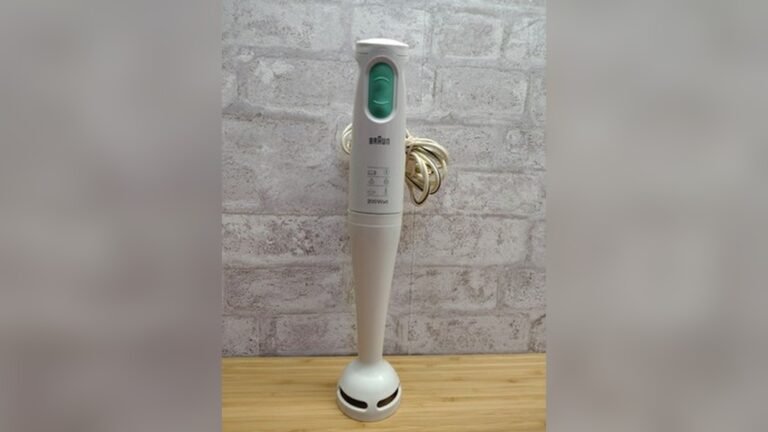
Cuisinart immersion blenders compete with brands like Braun, KitchenAid, and Hamilton Beach. Here’s a brief comparison:
| Brand | Average Price | Motor Power | Speed Settings | Attachments |
|---|---|---|---|---|
| Cuisinart | $50-$100 | 200-300W | 2-15 | Whisk, chopper |
| Braun | $80-$120 | 350W | Variable | Whisk, masher |
| KitchenAid | $70-$110 | 200W | 2-5 | Whisk, chopper |
| Hamilton Beach | $30-$60 | 175W | 2 | None |
Cuisinart balances price and features well. Braun is more powerful, but also more expensive. Hamilton Beach is cheaper, but less durable.
The Importance Of Following Instructions
One non-obvious insight: reading the manual is not just for safety—it helps you unlock extra features. Many Cuisinart blenders have hidden functions (like turbo mode) that are easy to miss.
Another tip: using the right attachment for the job makes turning on easier and prevents motor strain.
External Resource
For more information on kitchen appliance safety and operation, visit Consumer Reports.
Frequently Asked Questions
How Do I Know If My Cuisinart Immersion Blender Is Locked And Ready?
Check for a click sound when attaching the shaft. The shaft should not wiggle or fall off. Some models have a visual indicator, like a line or arrow matching up.
What Should I Do If The Blender Doesn’t Turn On?
First, check the power connection. Next, look for a safety lock. Make sure the shaft is locked. If cordless, check battery status. If still not working, let the motor cool and try again.
Can I Use My Immersion Blender In Hot Soups?
Yes, but make sure the soup is not boiling. Hot liquids can splash, so start on low speed. Never rest the blender on a hot surface.
How Do I Clean The Blade Safely?
Unplug or remove the battery. Detach the shaft. Use a brush and warm water. Never touch the blade with bare fingers.
Is It Okay To Blend Ice Or Frozen Foods?
Cuisinart immersion blenders can handle soft frozen foods, but avoid hard ice cubes. Use small pieces and blend in short bursts.
Turning on your Cuisinart immersion blender is simple when you follow the right steps. By preparing your device, understanding the controls, and keeping safety in mind, you can operate your blender confidently. With practice, you’ll find it becomes an essential tool in your kitchen, helping you create smooth soups, tasty shakes, and much more. Remember to read your manual, start slow, and clean up after each use. With this guide, you’re ready to enjoy everything your immersion blender has to offer.