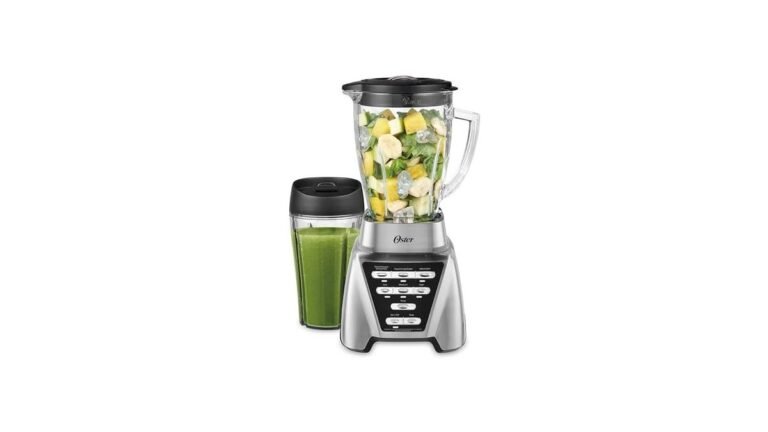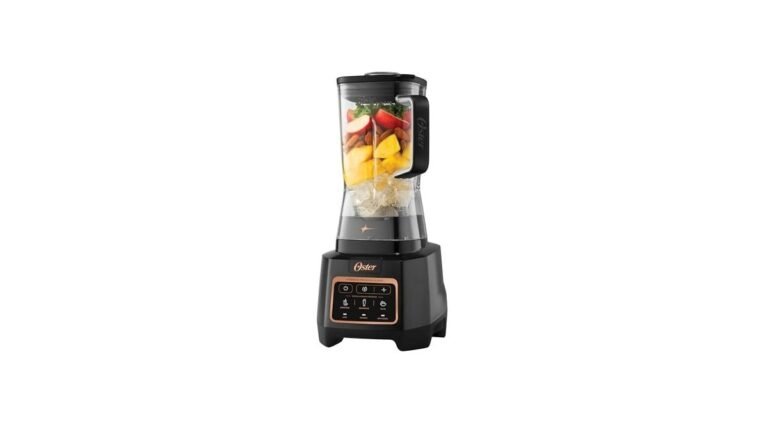
Where To Find Model Number On Oster Blender
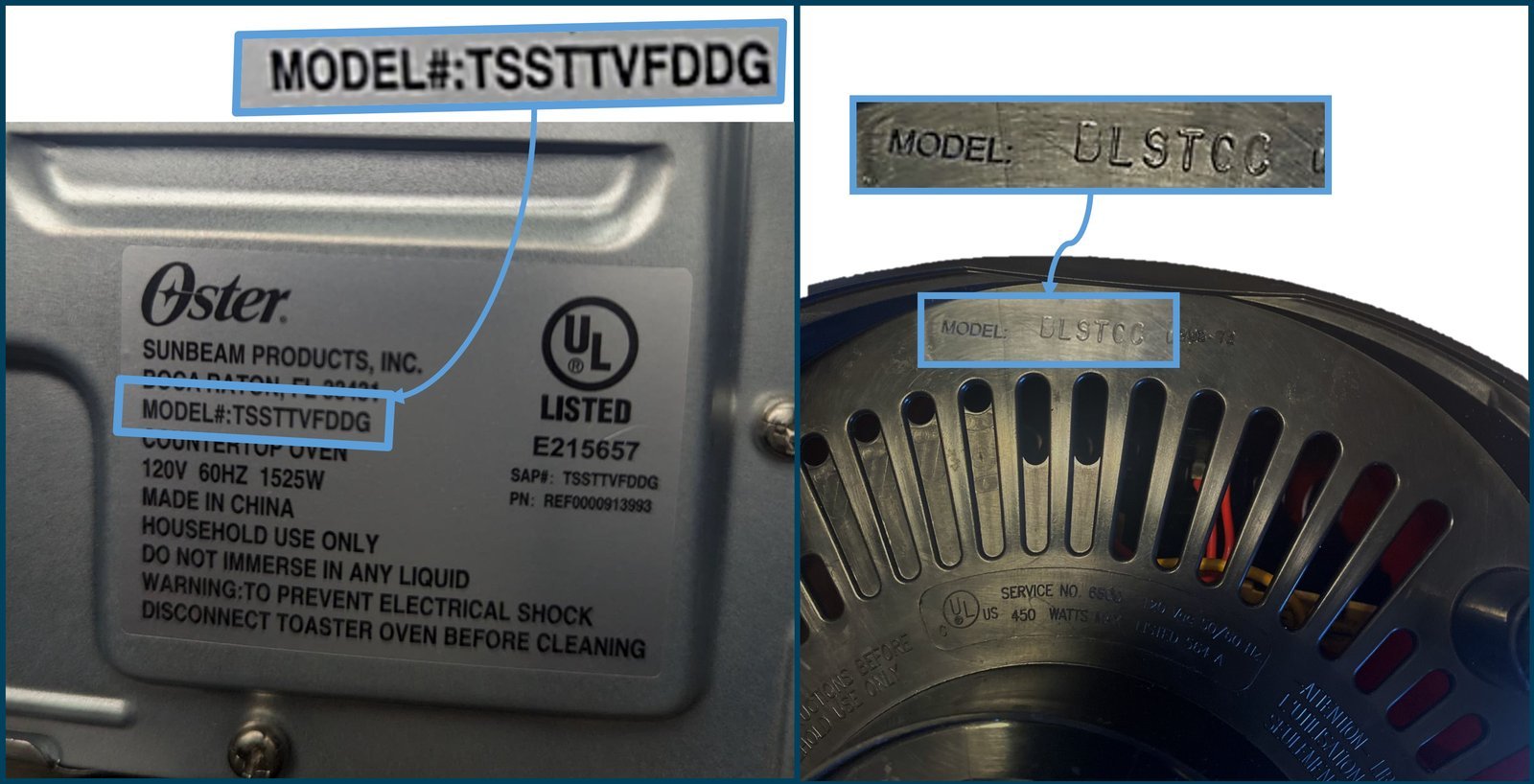
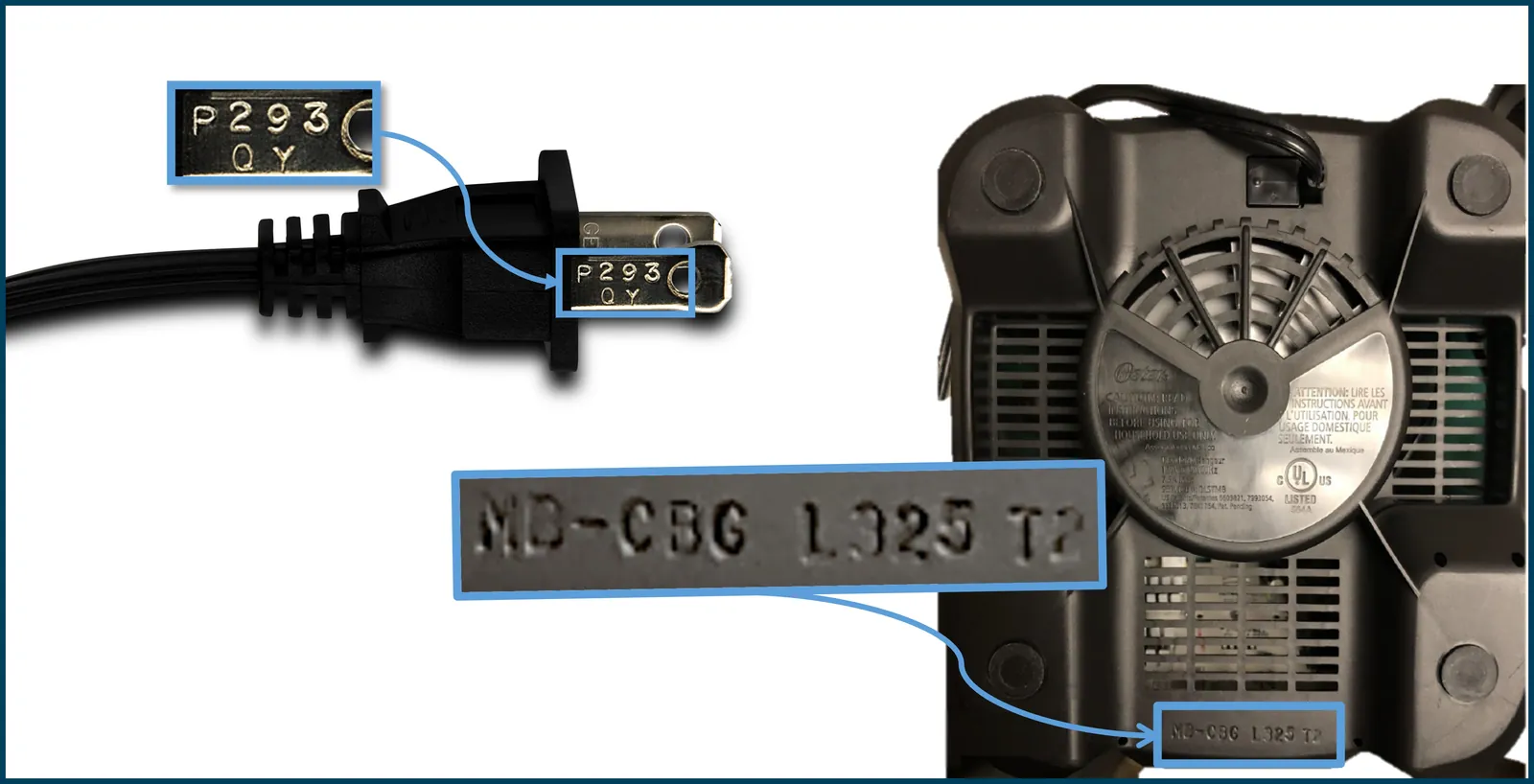
On most Oster blenders, the model number sits on a sticker or rating plate on the bottom of the base — flip the machine over and look for a printed label near the cord or the feet. If it’s not there, check the back of the base, under the jar, or inside the battery door on cordless models.
Three things change where you’ll actually find it: whether your blender is a countertop model or a cordless one, how old it is, and whether the sticker has worn off. The sections below cover each case, plus what to do when the label is gone for good.
Who this page is for
Three kinds of people search for this. The first owns a working Oster blender and needs the model number to order a replacement jar, blade, or gasket. They usually have the machine in front of them and want one answer fast — where to look.
The second is buying a used Oster at a garage sale or online and wants to confirm the exact model before paying.
The third has a blender with a worn or missing label and needs another way to identify it — by jar size, wattage, or the shape of the base.
This page serves the first two readers best. If your label is completely gone, the identification section further down will help, but you may need to contact Oster support directly with photos.
The assumption here is that you have physical access to the blender, or can get photos of it. Everything below works from what’s printed on the machine itself.
What decides where the label is
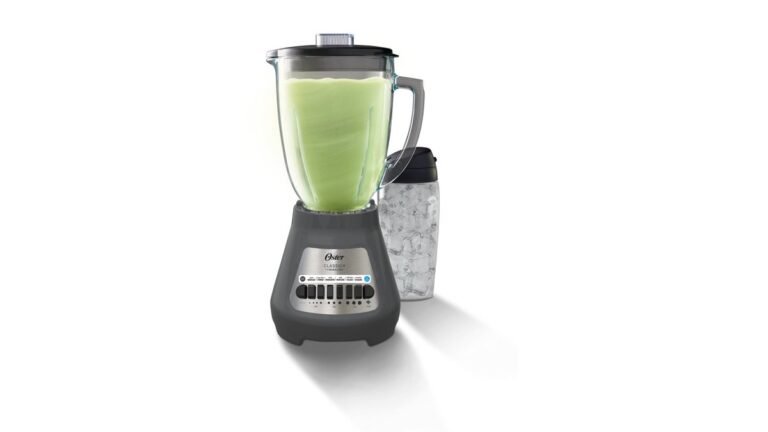
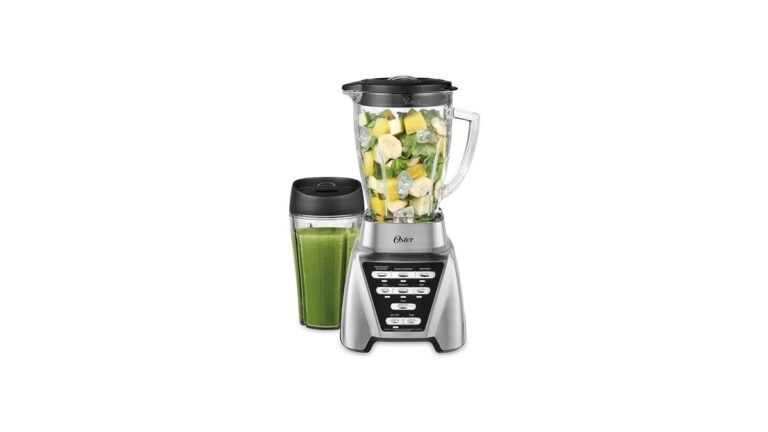
The single biggest factor is the blender’s type. Countertop Oster blenders — the classic beehive shape and the newer pro models — almost always carry the rating plate on the underside of the base. Cordless and rechargeable models often hide it elsewhere, sometimes under the battery compartment.
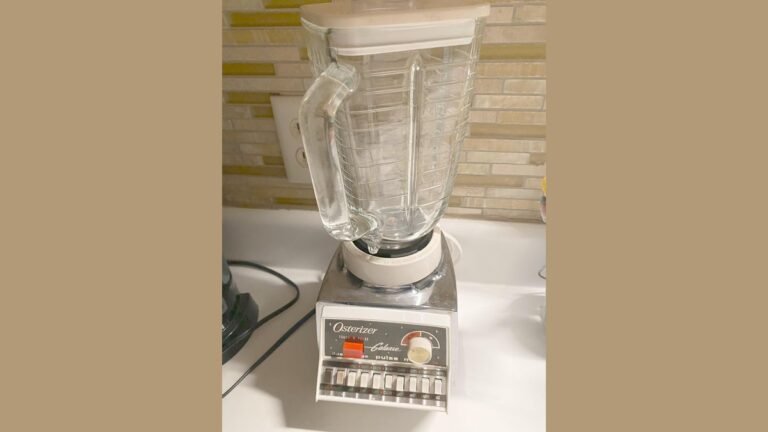
Age matters next. Older Oster blenders from the 1990s and earlier used a metal plate riveted to the base. Newer ones use a printed sticker, which fades, peels, or washes off far more easily. If your blender looks vintage, expect a plate, not a sticker.
The third factor is where the machine has lived. A blender kept near a stove or sink collects grease and steam, and that destroys paper labels fast. If yours has been in a busy kitchen for years, the label may be unreadable even if it’s still stuck on.
The fourth is whether you still have the original box or manual. The model number is printed on both, usually on the side panel of the box and the front cover or spec page of the manual. That’s often the fastest check if you kept them.
The mistake people make most often is checking only the bottom and giving up. On several Oster models the plate sits on the back of the base, right above where the cord comes out.
Step-by-step: finding your Oster blender model number
- Unplug the blender. Pull the cord from the wall outlet and let the machine sit for a minute. You’re handling it upside down, and you don’t want it running.
- Turn the base upside down. Set it on a towel so you don’t scratch the housing. The base is the heavy part with the motor — not the jar.
- Look for a sticker or metal plate. It’s usually 1 to 2 inches wide, white or silver, with small printed text. Check near the rubber feet and beside the cord exit.
- Read the line marked “Model” or “MOD.” Oster labels list several numbers. You want the one labeled Model or MOD, not the one marked Serial, Type, or Rating.
- Write the number down exactly. Copy every letter and digit, including any hyphen. A single wrong character sends you to the wrong part.
- Check the back of the base if the bottom is blank. Run your finger along the rear housing above the cord. Some models print the plate there instead.
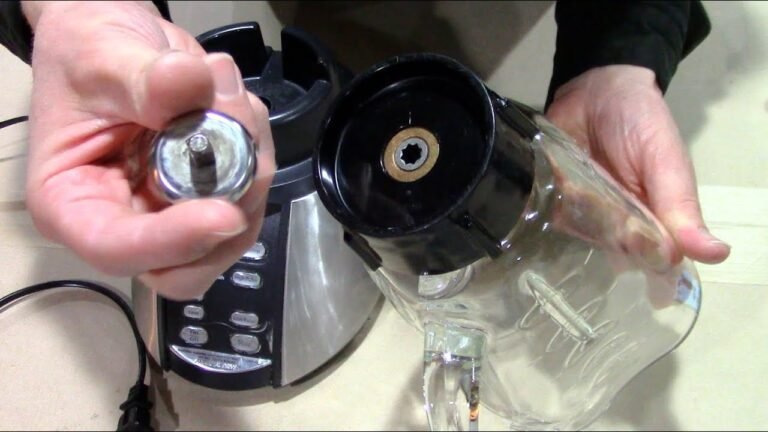
- Check under the jar and inside the lid. A few Oster jars carry a molded number on the rim or under the handle. That’s the jar model, not the blender model — useful, but different.
- Check the battery door on cordless models. On Oster cordless blenders, the rating label often sits inside the compartment where the battery slides in.
- Photograph the label. Take a clear, well-lit photo with your phone. Labels fade further over time, and the photo saves you a second trip later.
- Cross-check against the manual or box if you have them. The model number there should match the sticker. If it doesn’t, trust the sticker on the machine.
The judgement call that separates a proper job from a rushed one: reading the whole label, not just the first number you see. Oster plates often show a model number, a type number, and a serial number within an inch of each other. Ordering a part against the serial number gets you the wrong part.
If the label is gone and you need an exact match for a repair, stop here and contact Oster customer support with photos of the blender from several angles. They can identify it from the housing shape and jar size.
The variations at a glance
Different Oster blenders hide the label in different places. Find your situation in the table below.
| Your situation | Where to look | What it takes | What to watch for |
|---|---|---|---|
| Standard countertop base | Underside of base | 1 minute | Grease hiding the text |
| Vintage metal-plate model | Riveted plate on base | 1 minute | Worn or scratched digits |
| Cordless or rechargeable | Inside battery door | 2 minutes | Battery must come out |
| Label worn or peeled | Back of base, jar rim | 5 minutes | Partial digits misread |
| Box or manual kept | Side of box, manual cover | 1 minute | Box may be a different model |
| Buying used, no access | Ask seller for base photo | Varies | Blurry or angled shots |
| Label gone completely | Contact Oster support | A few days | Need clear photos |
What separates a clean read from a wrong one
Reading the label correctly
The model number is the line marked Model or MOD. It’s usually 4 to 8 characters, a mix of letters and digits, sometimes with a hyphen. The serial number is longer and often all digits. The type number sits between them on many plates.
Experienced buyers photograph the whole label, not just the model line. That way, if a digit is unclear, they can compare it against the rest of the plate. They also check the label in daylight — phone flash washes out faded print and makes digits look like different digits.
Knowing when to stop guessing
If two characters are genuinely unreadable, don’t guess. A wrong model number means a wrong jar, a wrong blade, or a wrong gasket, and return shipping is on you. Oster’s own support page and the manual that came with the blender are the two places to confirm.
People who’ve done this before check the jar size as a backup. A 6-cup jar and a 5-cup jar look similar but fit different bases. Measuring the jar across the top gives you a second data point when the label is doubtful.
What goes wrong, and what to do
Most problems here come down to a label you can’t read or a number you read wrong. Match what you see to the fix below.
| What you notice | What it usually means | What to do first | How to stop it happening again |
|---|---|---|---|
| No label on the bottom | Plate is on the back | Check rear housing | Photograph once found |
| Text is faded | Heat and grease damage | Try angled light | Store blender away from stove |
| Sticker peeling off | Age and washing | Press flat, photograph | Keep a photo on your phone |
| Two similar numbers | Model vs serial line | Read the “MOD” label | Copy the full label |
| Digits worn away | Long use, abrasion | Check box or manual | Note number in a phone note |
| Label missing entirely | Removed or fell off | Contact Oster support | Keep the receipt and box |
The rules that apply
Oster publishes its own model and part information, and that’s the source to trust over any third-party list. The company’s website carries a parts and accessories section where you enter the model number to see compatible jars, blades, and lids. If your number doesn’t come up, the model may be discontinued, and Oster support can tell you what replaced it.
Warranty claims run on the model number and the purchase date, not the serial number alone. Oster’s warranty terms differ by product line and by country, so check the warranty page for your region rather than a general figure — the length isn’t the same for every blender.
For anything involving the motor, the cord, or the internal wiring, that’s technician work. Don’t open the base yourself. A blender’s internal components can hold a charge even when unplugged, and opening the housing voids the warranty.
What it costs you
Finding the number itself is free — a minute of your time and a phone photo. The cost shows up later, when you order a part against the wrong number.
A replacement jar, blade assembly, or gasket is the usual purchase. Prices vary by model and by where you buy, so check Oster’s own parts page and a retailer you trust for today’s figure rather than relying on any number written here.
The things that push cost up: a discontinued model, where parts are scarce and sometimes only available used; a wrong order, where you pay return shipping; and buying a whole new blender because a gasket was misidentified. The things that push it down: keeping the box, saving a photo of the label, and confirming the number with Oster before you order.
Keeping it right afterwards
Once you’ve found the number, save it where you’ll find it again. A photo in a phone note, plus the number typed out, covers both. Write it on the inside of a kitchen cabinet door if you like paper.
The sign your label needs attention again: the print starts to look chalky, or a corner lifts. Press it flat while it’s still readable and re-photograph it. If it’s already unreadable, the photo you took earlier is now your only copy.
For the blender itself, keep the base away from the stove and the sink spray. Heat and moisture are what kill these labels. Wipe the housing with a damp cloth rather than running it under water, and never put the base in a dishwasher.
When this is the wrong approach
If the label is gone and Oster support can’t identify the model from photos, stop trying to match parts by guesswork. Buying a jar or blade that “looks right” usually ends in a return, and on a discontinued model you may not find the part at all. In that case, the honest choice is a new blender rather than a repair.
If the blender has an electrical fault — it trips the breaker, smells like burning, or sparks — don’t troubleshoot it yourself. Unplug it and take it to a qualified appliance technician, or replace it. Mains-powered appliances carry a real shock risk, and the inside of a blender base isn’t a DIY area.
If you’re buying used and the seller won’t send a clear photo of the label, walk away. You can’t confirm the model, and you can’t confirm the parts will fit.
Related guides
Frequently asked questions
Where is the model number on an Oster blender?
On most Oster countertop blenders, it’s on a sticker or metal plate on the underside of the base, near the cord or the rubber feet. On cordless models, check inside the battery compartment. If the bottom is blank, look at the back of the base.
Why can’t I find the model number on my Oster blender?
The label has likely worn off, peeled, or been removed. Heat, grease, and washing are the usual causes. Check the back of the base and under the jar rim next. If it’s truly gone, contact Oster support with clear photos of the blender.
How do I read an Oster model number?
Look for the line marked Model or MOD on the rating plate. It’s usually 4 to 8 characters mixing letters and digits, sometimes with a hyphen. Don’t confuse it with the serial number, which is longer and usually all digits.
Is the model number the same as the serial number?
No. The model number identifies the product line and tells you which parts fit. The serial number identifies your individual unit, mostly for warranty tracking. Parts are ordered by model number, not serial number.
Can I find the model number without the sticker?
Yes, in a few ways. Check the original box or manual, which both print the model number. If those are gone, Oster support can often identify the blender from photos of the base and jar. The jar size gives a useful clue too.
What happens if I order a part with the wrong model number?
You’ll likely get a part that doesn’t fit — a jar that won’t lock, a blade with the wrong thread, or a gasket of the wrong size. You’ll usually pay return shipping. Confirm the number with Oster’s parts page or support before ordering.
Does it matter which number I use for a warranty claim?
Yes. Oster’s warranty runs on the model number and your proof of purchase date. Using the serial number instead can slow the claim. Warranty length differs by product line and country, so check Oster’s warranty page for your region.
How long does it take to find the model number?
About 1 minute if the label is readable and on the bottom. Allow 5 minutes if you need to check the back, the battery door, and the jar rim. If the label is gone, expect a few days to hear back from Oster support.
What to do next
Turn the blender over now and photograph the whole label in daylight, before the print fades any further. You’ll have the model number in hand within a minute, and the photo will still be readable years from now. If the label is gone and Oster support can’t identify the model from photos, stop there and replace the blender rather than guessing at parts.