How To Find Serial Number On Ninja Blender: Quick Guide
Finding the serial number on your Ninja blender may seem like a small task, but it’s important for many reasons. Whether you need to register your product, claim warranty, or contact customer support, the serial number is the key. Many Ninja blender owners find themselves searching for this code, especially when facing issues or needing replacement parts. The good news is that locating it is not difficult once you know where to look and what to expect. In this article, you’ll discover step-by-step methods to find the serial number on every Ninja blender model, practical tips for reading and recording it, and answers to common questions. If you’re new to blenders or not confident with English, don’t worry—everything is explained simply and clearly.
Why The Serial Number Matters
You may wonder why the serial number is so important for your Ninja blender. Here are a few reasons:
- Product registration: Manufacturers often require the serial number when registering your blender online.
- Warranty claims: If your blender stops working, the serial number proves your purchase and helps with warranty.
- Customer support: When calling Ninja for help, they ask for the serial number to identify your exact model.
- Replacement parts: Finding the right parts depends on knowing your blender’s unique code.
- Tracking recalls: Sometimes blenders are recalled for safety reasons, and the serial number helps check if yours is affected.
Without the serial number, you may face delays or even lose your chance for help. That’s why knowing how to locate it is essential.
Where Is The Serial Number Located?
Every Ninja blender has a serial number, but the location varies by model. Let’s explore the common places you’ll find it, with examples for clarity.
Underneath The Blender Base
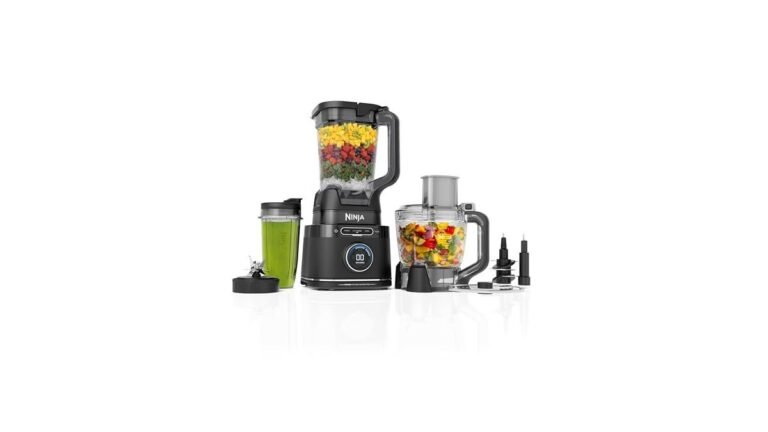
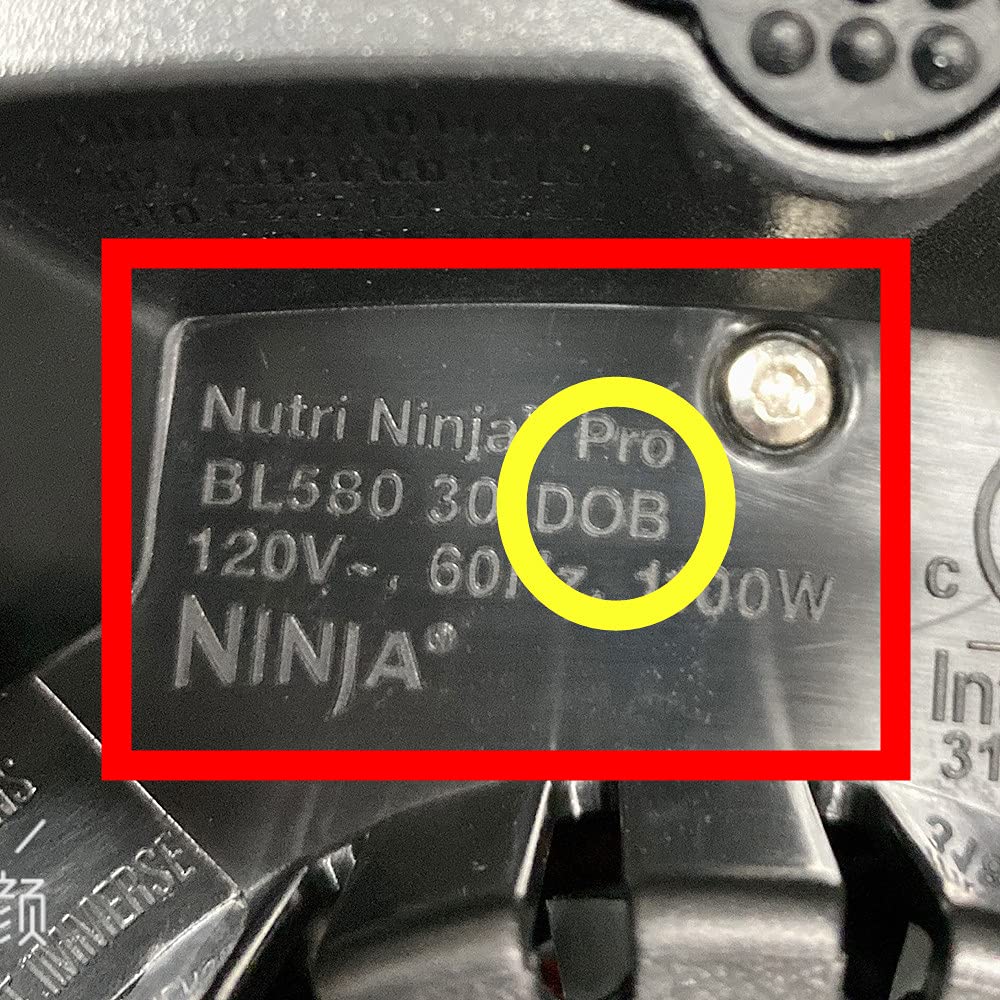
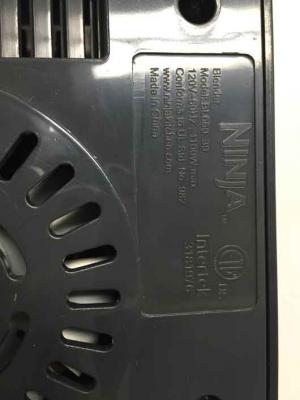
For most countertop blenders (like Ninja Professional, Nutri Ninja, and Mega Kitchen System), the serial number is printed or stamped directly under the base.
- Turn the blender upside down carefully.
- Look for a sticker or engraving near the power cord or in the center.
- The sticker may have other information like model number and electrical specs.
Example: On a Ninja Professional BL610, the serial number is a 12-digit code on a white sticker under the base.
On The Pitcher Or Jar
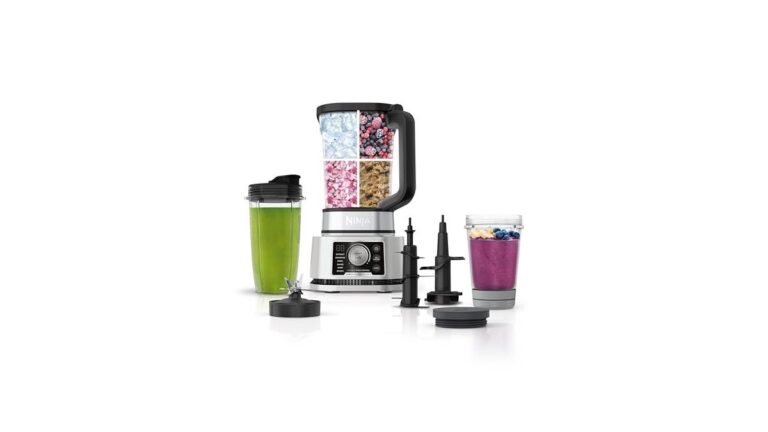
Some models, especially personal blenders (Nutri Ninja, Ninja Fit), place the serial number on the blending jar or pitcher.
- Remove the jar from the base.
- Look for a small sticker, often near the bottom or on the side.
- It may be inside the rim or near the handle.
Example: For the Nutri Ninja Auto-iQ, the code is on the bottom of the cup, next to the recycling symbol.
Inside The Battery Compartment
If you have a cordless Ninja blender (like Ninja Blast), the serial number is sometimes inside the battery compartment.
- Open the battery cover.
- Check for a sticker with the code.
- The serial number is usually a mix of letters and numbers.
On The Box Or Manual
If you can’t find the code on the blender, check the original packaging box or the user manual.
- The box often has a sticker with the serial number and model.
- The manual may include it on the first or last page.
Quick Comparison: Location By Model
To make things clearer, here’s a table comparing common Ninja blender models and where their serial numbers are found.
| Model Name | Serial Number Location | Format Example |
|---|---|---|
| Ninja Professional BL610 | Under base | BL610-123456789012 |
| Nutri Ninja Auto-iQ BL480 | Bottom of cup | BL480-ABC123456789 |
| Ninja Blast Cordless | Inside battery compartment | NB300-9876543210 |
| Ninja Foodi Power Pitcher | Under base | SS201-456789123456 |
| Ninja Fit QB3001SS | Bottom of jar | QB3001SS-112233445566 |
How To Read And Understand The Serial Number
A serial number is not just a random code. It provides details about your blender. Let’s break down what you might see.
Format
Most Ninja serial numbers are:
- 12-15 digits or characters
- A mix of letters and numbers
- Sometimes include the model prefix (e.g., BL610)
Example: Bl610-123456789012
- “BL610” is the model number.
- “123456789012” is the unique serial code.
What Do The Characters Mean?
- Model prefix: Shows the blender type.
- Date code: Some digits represent the manufacture date.
- Unique identifier: The rest is specific to your unit.
This helps Ninja track your blender for support, warranty, and recalls.
Common Mistakes When Reading
Many owners confuse the model number with the serial number. The model number is short and describes the product type, while the serial number is longer and unique for each unit.
- Don’t use the model number for warranty or support; always use the full serial number.
- Double-check if you see several codes; the serial number is often labeled “SN” or “Serial Number.”
Step-by-step: How To Find The Serial Number
Finding the serial number is easy if you follow these steps. Here’s a simple guide for any Ninja blender:
- Unplug the blender: Always do this first for safety.
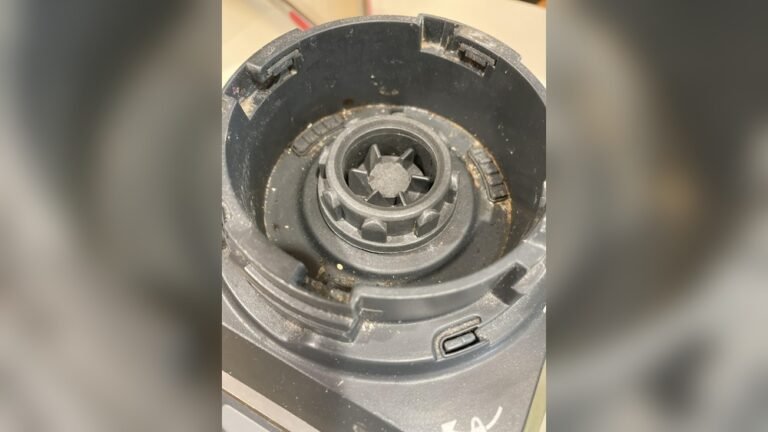
- Clean the surface: If there’s dust or food, wipe it so you can read the stickers.
- Check under the base: Flip the blender gently and look for a sticker or engraving.
- Inspect the jar or pitcher: Remove and look around the bottom or side.
- Open battery compartment: For cordless models, check inside.
- Look at the box/manual: If you still can’t find it, check packaging or manuals.
- Take a photo: Once found, take a picture for records.
- Write it down: Record the number somewhere safe.
Practical Example
Imagine you own a Ninja Professional BL610:
- Unplug the blender and turn it upside down.
- Clean the base.
- Find a white sticker with “BL610-123456789012.”
- Take a photo and write it in your phone notes.
This method works for most Ninja blenders.
Credit: www.amazon.ae
Differences Between Serial Number, Model Number, And Batch Code
Many people confuse these numbers. Let’s compare them:
| Type | Location | Purpose | Format |
|---|---|---|---|
| Serial Number | Base, jar, or battery compartment | Unique ID for your unit | 12-15 digits/letters |
| Model Number | Sticker, manual, box | Identifies blender type | BL610, BL480, SS201, etc. |
| Batch Code | Sticker, manual | Shows production batch | Short code, varies |
Always use the serial number for registration and warranty.
Why Some Serial Numbers Are Hard To Find
Sometimes, the serial number is faded, missing, or hard to read. Here are reasons why:
- Wear and tear: Stickers may peel or fade from cleaning or use.
- Poor lighting: It’s easy to miss if the sticker is hidden or in a dark place.
- Old models: Older blenders may have the code engraved, not printed.
- Aftermarket parts: If you replaced parts, the sticker may be missing.
What To Do If You Can’t Find It
If the serial number is missing:
- Check the box and manual.
- Look for any old photos or receipts.
- Contact Ninja support and explain your situation.
- Sometimes, support can help by using your purchase details.
Registering Your Ninja Blender With The Serial Number
Registering your blender is smart. It helps with warranty and support. Here’s how:
- Go to Ninja’s official website.
- Find the “Register Product” section.
- Enter your serial number and other details.
- Upload a photo if required.
- Save your registration confirmation.
This protects your purchase and makes support easier.
Using The Serial Number For Warranty And Repairs
When your blender breaks or needs replacement parts, the serial number is essential.
- Contact support: They’ll ask for the serial number to check eligibility.
- Order parts: The serial number helps find the right accessories.
- File claims: Warranty claims require the code to verify your unit.
Never guess or use the model number. Always give the serial number.
Real Examples: Owners Share Their Experience
Many Ninja blender owners have struggled to find their serial number. Here are two real stories:
Sarah from Texas:
Sarah’s Ninja Foodi stopped working after two years. She needed the serial number for warranty. She looked under the base, but the sticker was faded. After checking the box, she found the code and got free repairs.
Miguel from Florida:
Miguel wanted to buy a new pitcher for his Nutri Ninja. Customer support needed the serial number. He found it on the bottom of the cup and got the correct part shipped quickly.
These examples show the importance of knowing where to look.
Comparing Serial Number Locations: Older Vs Newer Models
Serial number placement has changed over time. Older blenders often had engraved codes; newer ones use stickers.
| Model Year | Common Location | Visibility |
|---|---|---|
| 2010–2015 | Engraved under base | Hard to see |
| 2016–2020 | Sticker under base | Easy to read |
| 2026–present | Sticker on jar or battery compartment | Easy to find |
If you have an older blender, take extra care when searching.
Tips For Keeping Your Serial Number Safe
Many people lose their serial number after cleaning or moving the blender. Here’s how to keep it safe:
- Take a clear photo and store it in your phone or computer.
- Write it on a card and keep it in your kitchen.
- Don’t peel off the sticker during cleaning.
- If the sticker fades, write the code somewhere before it disappears.
These tips save time if you ever need support.
What To Avoid: Common Mistakes
Here are mistakes people make when searching for the serial number:
- Using the model number instead of the serial number.
- Cleaning too hard and removing the sticker.
- Not checking the jar or battery compartment for newer models.
- Throwing away the box before noting the code.
- Trying to guess the code—each serial number is unique.
Avoid these mistakes to make your warranty and support process smoother.
Serial Number Scams And How To Protect Yourself
While rare, some sellers or websites may try to sell fake or duplicate serial numbers. Here’s how to stay safe:
- Only buy Ninja blenders from official stores or trusted retailers.
- Never share your serial number with strangers online.
- If someone offers warranty help for a fee, check their credentials.
If you’re unsure, contact Ninja directly.
Non-obvious Insights For Beginners
- Serial numbers can sometimes be found on spare parts. For example, if you buy a replacement jar, it may have its own serial number. Always use the code from the main base for warranty.
- Different regions may have different formats. If your blender was bought outside the US, the serial number might be shorter or use different letters. Check the manual for local differences.
- Batch codes and serial numbers are not interchangeable. Batch codes help track production, but only the serial number is used for warranty and support.
- Some blenders have QR codes next to the serial number. Scanning the QR code with your phone can give you product info quickly.
Credit: www.cpsc.gov
If You Need Extra Help
If you still can’t find the serial number or need more guidance, visit the Ninja website’s support section or call their customer care. For official instructions, see Ninja Kitchen Support.
Frequently Asked Questions
How Long Is The Ninja Blender Serial Number?
Most Ninja blender serial numbers are 12–15 digits or characters long. They often start with the model prefix, followed by a unique code.
Can I Use The Model Number For Warranty Claims?
No, you must use the serial number for warranty claims. The model number shows the product type, but only the serial number identifies your exact unit.
What If My Serial Number Sticker Is Missing Or Unreadable?
If your sticker is gone, check the box or manual. If you still can’t find it, contact Ninja support. They may help using your purchase details or batch code.
Is The Serial Number On The Power Cord?
Usually not. The serial number is almost always under the base, on the jar, or inside the battery compartment. It’s rare to find it on the power cord.
Why Does Ninja Ask For The Serial Number During Support Calls?
Ninja uses the serial number to check your warranty status, confirm your model, and provide the right parts or advice. It’s the fastest way to get help.
Finding your Ninja blender’s serial number is simple once you know where to look. Whether it’s under the base, on the jar, or inside the battery compartment, that small code unlocks support, warranty, and peace of mind. Take a moment to record your serial number now—it saves trouble later.
With this guide, you can confidently find, read, and use your blender’s serial number for any purpose. If you have questions, Ninja’s official support is always there to help.

Credit: help.bulletbrands.com.au