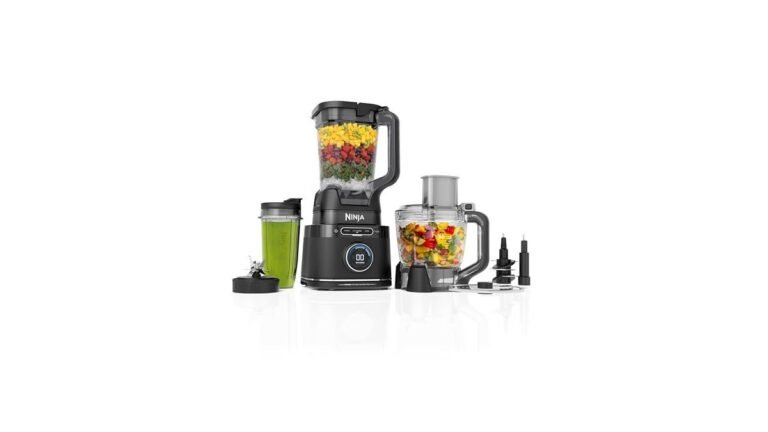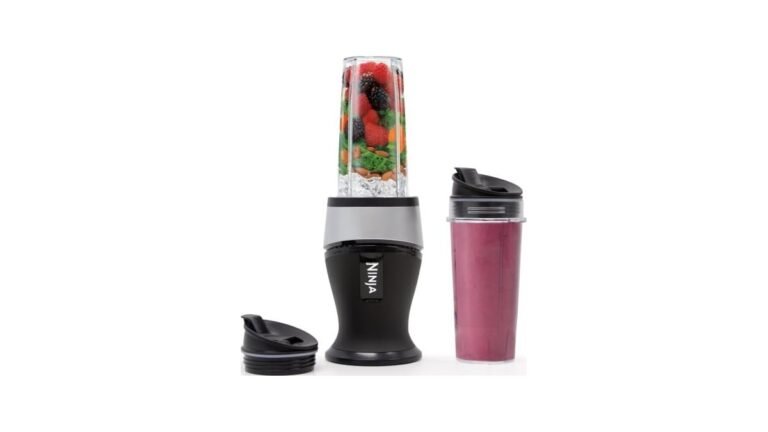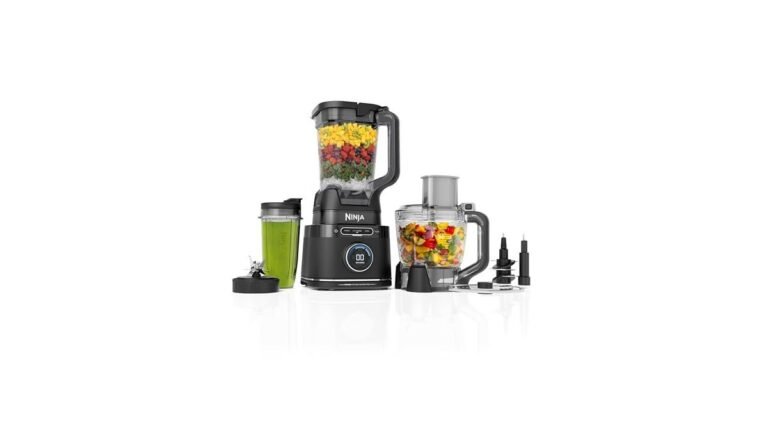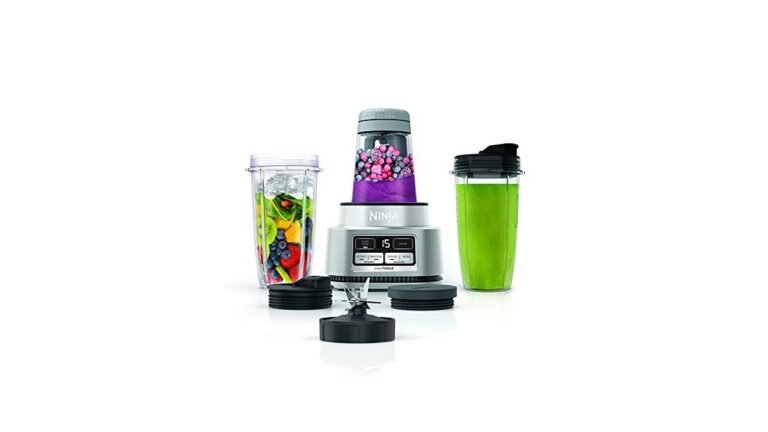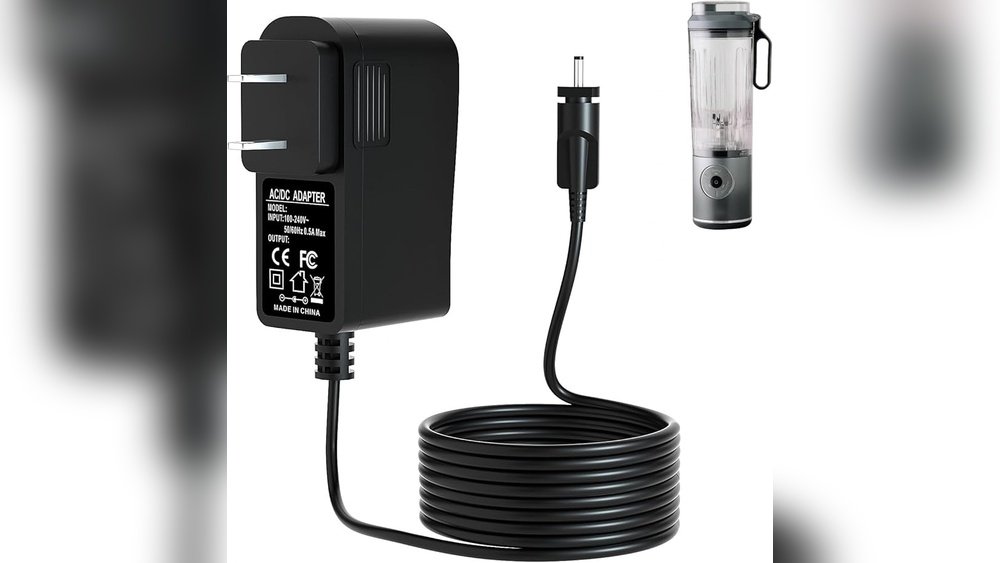
How To Charge Ninja Blast Portable Blender: Quick & Easy Guide
The Ninja Blast portable blender is changing the way people make smoothies, shakes, and juices on the go. Whether you’re traveling, working, or just relaxing at home, this compact blender lets you enjoy fresh drinks anywhere. But to use it effectively, you need to know how to charge it properly.
Charging the Ninja Blast portable blender seems simple, but missing a step or misunderstanding the process can lead to problems. This guide will show you how to charge your blender safely, efficiently, and help you avoid common mistakes. You’ll learn about charging times, battery care, troubleshooting, and tips that can extend the life of your device.
The information here is for all models of Ninja Blast portable blenders sold in the US. If you have a similar blender from another brand, many tips will still help, but always check your product manual for specifics. Understanding how to charge your Ninja Blast portable blender will make your experience smoother and your device more reliable.
Understanding Ninja Blast Portable Blender Charging
The Ninja Blast portable blender uses a rechargeable lithium-ion battery. This battery powers the blender’s motor, allowing you to blend without plugging into a wall outlet. Most models come with a USB-C charging port, making it easy to charge with common cables and adapters.
Why Proper Charging Matters
Lithium-ion batteries last longer and work better when you follow the right charging steps. Improper charging can:
- Reduce battery life
- Cause slow blending
- Lead to sudden shut-offs
- Damage internal parts
Proper charging keeps your blender ready and reliable. Many beginners don’t realize that charging habits affect performance, so learning the right way is important.
Basic Charging Overview
Here’s how charging usually works:
- You connect the USB-C cable to the blender’s charging port.
- Plug the other end into a USB power source (wall adapter, laptop, power bank).
- The blender’s indicator light shows charging status.
- When fully charged, the light changes or turns off.
Let’s go deeper into each step and learn best practices.
Preparing To Charge Your Ninja Blast Portable Blender
Before charging, take a few steps to make sure everything goes smoothly.
Check The Battery Level
Most Ninja Blast models have a battery indicator light. If the light is:
- Green: Fully charged or high battery
- Yellow: Medium battery
- Red: Low battery, needs charging
Some models blink when battery is low. Always check the indicator before charging.
Inspect The Charging Port
Look at the USB-C port for dust, moisture, or damage. Clean gently with a dry cloth if needed. Never use sharp objects inside the port. If you notice corrosion or broken pins, contact Ninja customer support.
Choose The Right Charging Cable
Use the original USB-C cable that came with your blender, if possible. If you need a replacement, make sure it is:
- USB-C (not micro USB or Lightning)
- High quality, preferably certified
- Compatible with power output of at least 5V/2A
Cheap or incorrect cables can cause slow charging or no charging at all.
Select A Safe Power Source
You can charge with:
- Wall USB adapter (5V/2A recommended)
- Laptop USB port
- Power bank
Avoid charging from unstable sources, like cheap adapters or public USB ports, which may supply inconsistent power.
Charging Steps For Ninja Blast Portable Blender
Follow these steps for safe and efficient charging:
Step 1: Connect The Usb-c Cable
Insert the USB-C plug into the blender’s port. Make sure it fits snugly and is not loose.
Step 2: Plug Into Power
Plug the other end into your chosen power source. If using a wall outlet, make sure the adapter is rated for 5V/2A. If using a laptop or power bank, check their specs.
Step 3: Check The Indicator Light
The blender’s indicator light should turn on, showing it is charging. Most models use:
- Blinking red: Charging
- Solid green: Fully charged
If the light doesn’t turn on, check cable connections or try a different power source.
Step 4: Wait For Full Charge
Typical charging time is 2–3 hours from empty to full. Do not interrupt charging during this time. Charging overnight is safe, but unplug when fully charged to avoid overcharging.
Step 5: Unplug And Test
Once the indicator shows full charge, unplug the cable. Press the power button to check battery level. If the blender starts and the indicator is green, you’re ready to blend.
Charging Time And Battery Data
Charging time can vary based on battery size and power source. Here’s a quick comparison of typical charging times for Ninja Blast models:
| Model | Battery Capacity (mAh) | Charging Time (hours) | USB Port Type |
|---|---|---|---|
| Ninja Blast Standard | 4000 | 2.5 | USB-C |
| Ninja Blast Pro | 5000 | 3 | USB-C |
| Ninja Blast Mini | 3000 | 2 | USB-C |
Battery capacity is measured in milliamp-hours (mAh). Larger batteries last longer but take more time to charge. Charging from a laptop may be slower than a wall adapter.

Credit: www.sharkninja.com
How To Know When Your Blender Is Fully Charged
The indicator light is the main way to know when charging is complete. Ninja Blast blenders usually have one of these patterns:
- Solid green light: Fully charged
- Light turns off: Charging finished
- Color change from red to green: Ready to use
Some models beep or vibrate, but most rely on the light. If the light stays blinking red after several hours, something is wrong.
Common Charging Problems And Solutions
Charging doesn’t always go smoothly. Here are some issues users face and how to fix them:
Problem: Blender Not Charging
- Check the cable: Try another USB-C cable.
- Try a different power source: Laptop, power bank, or wall adapter.
- Inspect the port: Look for dirt or damage.
- Reset the device: Some models have a reset button or require holding the power button for 10 seconds.
Problem: Slow Charging
- Use a higher-output adapter: 5V/2A is best.
- Avoid charging while blending: Blending drains power and slows charging.
- Replace old cables: Worn cables charge slower.
Problem: Indicator Light Not Working
- Check the manual: Some models use different patterns.
- Update firmware: If possible, check Ninja’s site for updates.
- Contact support: If light never turns on, the battery may be faulty.
Problem: Battery Doesn’t Hold Charge
- Avoid overcharging: Unplug when full.
- Don’t store empty: Keep some charge when storing for weeks.
- Battery replacement: If battery is old, consider replacing.
Charging Safety Tips
Charging a portable blender is safe if you follow basic rules. Here are tips to protect your device and yourself:
- Never charge near water: Keep away from sinks and pools.
- Don’t use while charging: Wait until full charge.
- Avoid extreme temperatures: Charging in very hot or cold places can damage battery.
- Unplug when not in use: Prevents overcharging and saves energy.
- Use only trusted adapters: Cheap adapters can cause shorts.
These tips help prevent accidents and extend battery life.
How To Extend Blender Battery Life
Battery life depends on charging habits and usage. Here are proven ways to make your Ninja Blast battery last longer:
- Charge before empty: Don’t let battery reach zero often.
- Don’t overcharge: Unplug after full charge.
- Store at 50% charge: If not used for weeks, keep half charge.
- Avoid deep discharges: Frequent full drains wear battery.
- Keep clean: Dust in port can cause charging problems.
Many users miss these points, but they are critical for long-term use. Batteries lose capacity over time, but good habits slow this process.
Charging Ninja Blast While Traveling
Portable blenders are great for travel. Charging away from home requires extra care:
- Use power banks: Choose one with 10,000 mAh or more for multiple charges.
- Check voltage: If traveling abroad, make sure your adapter supports local voltage.
- Avoid public USB ports: Some airports and hotels have unsafe ports.
- Pack extra cables: Keep a spare in case one fails.
When flying, check airline rules for lithium-ion batteries. Most allow carry-on, but some limit size.
Charging Vs. Using: How Many Blends Per Charge?
You may wonder how many drinks you can make on one charge. Here’s a comparison for common Ninja Blast models:
| Model | Battery Capacity (mAh) | Blends per Full Charge | Blend Time (Seconds) |
|---|---|---|---|
| Ninja Blast Standard | 4000 | 15–20 | 30 |
| Ninja Blast Pro | 5000 | 20–25 | 30 |
| Ninja Blast Mini | 3000 | 10–15 | 30 |
Actual performance depends on drink thickness and battery age. Thicker ingredients use more power, so you may get fewer blends.
Charging Mistakes Beginners Often Make
Many users damage their blender or battery by making simple mistakes. Here are common errors to avoid:
Using Wrong Cable
Not all USB-C cables are equal. Low-quality cables may charge slowly or not at all.
Charging From Unstable Sources
Cheap wall adapters or public USB ports can supply fluctuating power, causing battery problems.
Charging While Blending
This drains power and slows charging. Always wait until full charge before blending.
Ignoring Battery Level
Blending with low battery can cause sudden shut-offs or damage the battery.
Storing Blender Empty
Storing with zero charge for weeks can cause battery failure. Always keep some charge.
Practical Charging Tips For Busy Users
If you use your Ninja Blast often, these tips will help keep it ready:
- Charge at night: You wake up to a full battery.
- Carry a power bank: Perfect for office or travel.
- Check battery before leaving home: Avoid surprises.
- Keep blender clean: Dust and moisture can cause charging issues.
- Use quick-charge adapters: Save time.
These habits make your blender more reliable and convenient.

Credit: www.romerogabinetes.com.br
Advanced Charging Questions
If you want to go beyond basics, here are advanced tips:
Can You Use Fast Chargers?
Some USB-C adapters support fast charging (higher voltage/amperage). Ninja Blast blenders are designed for 5V/2A, but some models accept up to 9V/2A for faster charging. Check your manual. Using the wrong fast charger can damage the battery.
Is Wireless Charging Possible?
Currently, Ninja Blast portable blenders do not support wireless charging. Always use the USB-C port.
How Long Does The Battery Last Overall?
Most batteries last 300–500 full charge cycles. If you charge once per week, that’s 6–10 years. Heavy daily use may reduce this to 2–3 years.
Can You Replace The Battery?
Some models allow battery replacement, but most are sealed. Contact Ninja support for details.
Environmental Impact Of Charging
Portable blenders use small batteries, but charging habits affect the environment. Efficient charging saves energy and reduces electronic waste. Old batteries should be recycled properly. Never throw them in trash. Many local stores accept used batteries for recycling.
For more information on battery recycling, see the EPA’s battery recycling page.
Comparing Ninja Blast Charging With Other Portable Blenders
How does Ninja Blast compare with other brands? Here’s a quick look at charging features:
| Brand | Charging Port | Charging Time (hours) | Battery Capacity (mAh) | Blends per Charge |
|---|---|---|---|---|
| Ninja Blast | USB-C | 2–3 | 4000–5000 | 15–25 |
| BlendJet 2 | USB-C | 1.5 | 4000 | 15 |
| PopBabies | USB-A | 3 | 4000 | 12 |
| Hamilton Beach | Micro USB | 4 | 3000 | 10 |
Ninja Blast offers faster charging and more blends per charge than many competitors. USB-C ports are standard for modern devices, making Ninja Blast easier to charge.
Troubleshooting Guide: Quick Reference
If your blender won’t charge, use this quick checklist:
- Check cable and power source
- Inspect charging port
- Reset the blender
- Check indicator light
- Contact Ninja support
Most problems are simple fixes, but sometimes batteries fail. If you’ve tried everything, professional help is best.

Credit: www.sharkninja.com
User Experiences: Real Stories
Many Ninja Blast owners share their charging tips online. Here are some examples:
- Sarah, 32, New York: “I charge my blender at night with the original cable. Never had a problem. Once I used a cheap cable and it didn’t charge.”
- Mike, 27, Chicago: “I travel a lot. Power banks are a lifesaver. I always check battery before leaving the hotel.”
- Emily, 40, Texas: “I learned to unplug after full charge. My first blender battery died early because I left it plugged in all the time.”
These stories show that good habits make a big difference.
Ninja Blast Charging Faqs
Charging questions come up often. Here are clear answers to the most common ones.
Frequently Asked Questions
How Long Does It Take To Fully Charge Ninja Blast Portable Blender?
Most models charge from empty to full in 2–3 hours using a 5V/2A USB-C adapter. Charging may be slower with laptops or low-output power banks. Always check the indicator light for full charge.
Can I Use My Blender While It’s Charging?
No, you should not blend while charging. Using the blender during charging can damage the battery or cause slow charging. Always wait until the battery is full before blending.
What Type Of Cable Should I Use To Charge?
Use the original USB-C cable provided, or a high-quality replacement. Avoid cheap or uncertified cables, as they may cause charging problems. Make sure your adapter supplies 5V/2A power.
How Do I Know My Blender Is Fully Charged?
Check the indicator light. Most Ninja Blast models show solid green or the light turns off when fully charged. If your light stays blinking red after charging, try another cable or contact support.
What Should I Do If My Blender Doesn’t Charge?
First, check the cable and power source. Inspect the charging port for dust or damage. Try resetting the blender by holding the power button. If it still doesn’t charge, contact Ninja customer support for help.
Charging your Ninja Blast portable blender is simple once you know the steps. Good charging habits protect your battery and help your blender work better for longer. Whether you’re at home, at work, or traveling, a fully charged blender lets you enjoy fresh drinks anytime.
Remember to use the right cable, check the indicator light, and avoid common mistakes. With these tips, your Ninja Blast portable blender will stay reliable and ready whenever you need it.