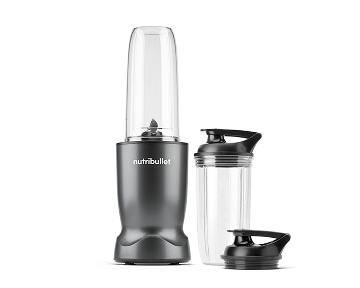
How To Turn Off Nutribullet Portable Blender in Seconds
The way to turn off a NutriBullet portable blender is simple: press the power button once while the blades are running, and the motor stops right away. On most models the button lights up when the blender runs, so a dark button means it’s off. If your cup isn’t attached to the motor base, the blender can’t run at all.
Two things change this for different readers. Some models run a timed cycle (often about 45 seconds) and stop on their own — you don’t have to do anything. Others keep running until you press the button or twist the cup off the base. And a few have a safety lock that stops the motor the moment you untwist the cup. Check which one you have before your first blend.
Who needs to turn one off safely
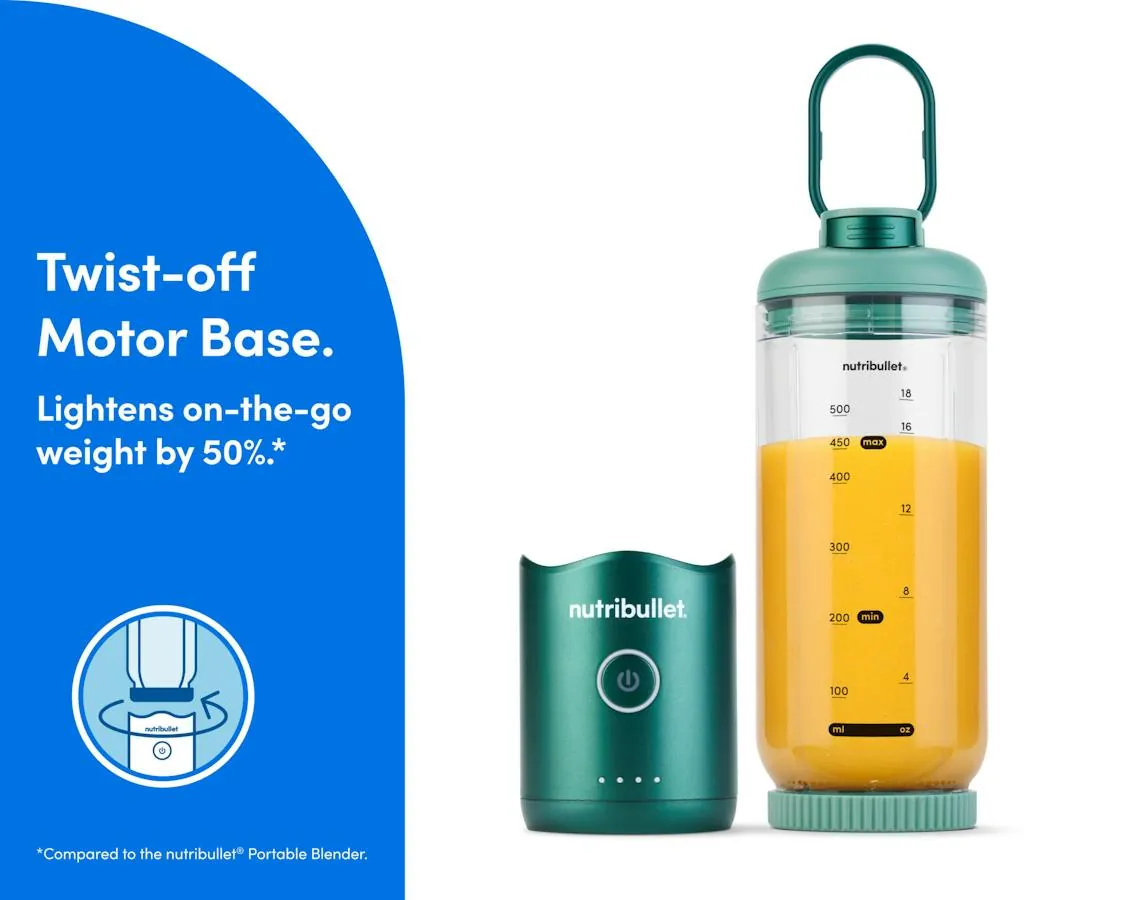
Most people searching this are holding a new portable blender, finished their smoothie, and don’t want the blades spinning while they unscrew the cup. You’ve probably got the standard NutriBullet portable model with a single button on the base and a cup that twists onto it.
A second group has a blender that won’t stop, or won’t start, and suspects a locked or stuck button. This page covers the normal shutdown steps and the common causes of a blender that behaves oddly.
The two situations need different fixes, and it’s worth knowing which one you’re in before you start pressing things. If the motor is running and the button does nothing, you likely have a stuck button or an active safety lock — the fix is a long press or a twist of the cup, not a repair.
If the blender never started in the first place, check the charge first; a dead battery looks exactly like a broken switch, and it’s the cheaper thing to rule out.
If you own a full-size NutriBullet with a plug and a big base, the shutdown is different — you switch it off at the machine or unplug it — so a page about that model will serve you better. Everything here assumes a cordless, cup-style portable blender charged over USB.
What changes how yours shuts down
Not every portable NutriBullet behaves the same way, and the model in your hand decides the answer. These are the things that matter most.
Your model’s cycle style. Some portable models run one timed blending cycle and stop themselves; others run continuously until you press the button again. Look at the button: if it stays lit after a cycle ends, your blender is still on and waiting for you to stop it. The instruction card in the box names your cycle length, and NutriBullet’s own product page for your model confirms it.
The safety lock on the cup. Portable blenders won’t run unless the cup is twisted firmly onto the motor base. That same lock usually cuts power the instant you untwist the cup. So if the button seems dead, check the twist first before assuming a fault.
A low or dead battery. A nearly empty battery can make the motor stop mid-cycle or refuse to start, which looks like an “off” state but isn’t one. If the light flashes when you press the button, charge it before your next blend.
The button press itself. The thing people get wrong most often here: they press and hold, expecting a hold-to-run switch, when their model uses a single press to start and a single press to stop. One short press. If nothing happens, try one quick tap instead of a long hold.
Turning off your blender step by step
Work through these in order. They cover the normal shutdown and the checks that show it worked.
- Finish your blend first. Let the blades stop naturally if your model runs a timed cycle, or plan to stop it yourself in the next step. Don’t untwist anything while the motor runs.
- Press the power button once, briefly. One short tap — not a hold. The light on the button should go dark within a second. That dark light is your sign the motor has stopped.
- Listen for the blades. The whirring sound should stop completely. If you still hear a faint spin, wait two or three seconds and press again.
- Check the light. A lit or flashing button means the blender is still active. Press once more, or move to step 5 if it stays lit.
- Untwist the cup from the base. Twist it in the direction shown on the base (usually counter-clockwise). On models with a safety lock, this alone cuts power even if the button was still lit.
- Look at the blades. They should be still before your fingers go anywhere near the cup. Never wipe the blade area while the cup is still on the base.
- Empty and rinse the cup right away. Dried smoothie is much harder to clean than a fresh rinse. Most cups are hand-wash only — check the marking on your cup.
- Store it with the cup off the base. A cup left locked on the base can press the button in a bag and run the battery flat, or start blending against nothing.
The judgement call that separates a proper shutdown from a rushed one: never trust the button alone. The blades, not the light, are the truth. If the blades are still, the blender is off, whatever the button says.
There’s no repair work past this point that belongs in a kitchen. If your blender won’t stop when you press the button and untwisting the cup doesn’t cut it either, stop using it and contact NutriBullet’s customer service rather than opening the base — the housing holds the battery and motor, and it isn’t a user-serviceable part.
Shutdown situations at a glance
Different readers arrive in different situations, so this table matches the common ones to the right action.
| Situation | What to do | What it takes | What to watch for |
|---|---|---|---|
| Normal end of a blend | One press on the button, untwist cup | A few seconds | Blades fully still before touching |
| Timed cycle still running | Wait for auto-stop, or press once | Up to the cycle length | Light goes dark when it stops |
| Button lit but motor stopped | Press once to fully power down | A second | Some models idle with light on |
| Won’t respond to presses | Untwist cup to break the lock | A few seconds | Battery may be flat — charge it |
| Motor stops mid-blend | Check battery, then blade jam | Charge time varies | Overfilled cup stalls the blades |
| Storing it in a bag | Cup off the base, button not pressed | A minute | Button pressed by other items |
What experienced users do differently
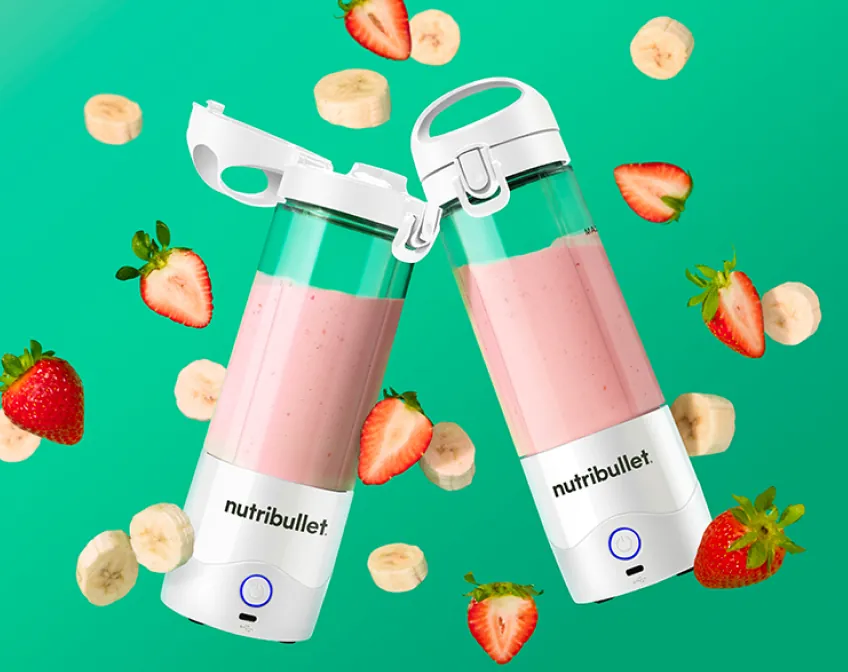
Two habits separate a blender that lasts from one that fails early, and both happen in the seconds around switching off.
Before you press stop
Experienced users check the fill line before blending, not after. Overfilled cups stall the blades mid-cycle, which makes the shutdown confusing — the motor stops because it’s jammed, not because it’s off. If your blend stalls, untwist the cup, remove some contents, and start again. They also keep the button dry; a wet button on a USB-charged base is a small but real risk, so they wipe the base before charging it.
After the blades stop
The order matters: blades still, then cup off, then rinse. Beginners often unscrew the cup the moment the sound softens, while a delayed cycle is still finishing. Waiting two or three seconds costs nothing and removes the only sharp part of the machine from the equation. Then they leave the cup off the base for storage, so a pressed button in a bag can’t drain the battery or run the motor against nothing.
When the blender misbehaves
If your blender won’t turn off, won’t turn on, or stops oddly, the cause is usually one of a handful of things. Match what you notice to the row below.
| What you notice | What it usually means | What to do first | How to stop it happening again |
|---|---|---|---|
| Blades keep spinning after presses | Continuous-run model still active | Untwist cup to cut power | Learn your model’s cycle style |
| Button lit, motor silent | Idle mode, waiting for input | Press once to power down | Nothing needed — it’s normal |
| Won’t start at all | Flat battery or cup not locked | Charge it, re-twist cup firmly | Charge after each use |
| Stops mid-blend | Overfilled cup or blade jam | Remove some contents, restart | Fill below the max line |
| Light flashes when pressed | Low battery warning | Put it on the charger | Don’t run it down to empty |
| Runs briefly then stops | Battery too weak for the load | Charge fully before next use | Shorter blends on low battery |
The rules that apply to this machine
Portable blenders carry a lithium-ion battery, and that shapes what you’re allowed to do with them. NutriBullet’s own manual for each portable model covers your version — it’s the card in the box, and the full manual sits on their website under your model’s product page.
The rule that matters most: the motor base isn’t user-serviceable. It holds the battery and the wiring, and opening it voids the warranty and risks injury. Any fault inside the base goes back to NutriBullet’s customer service or an authorized repair service.
The cup and blade assembly usually have their own cleaning rules — many are hand-wash only, and some parts aren’t dishwasher-safe. Check the markings on your cup and the manual’s care section before it goes in a dishwasher.
Battery rules differ by country and by airline. If you plan to fly with it, check your airline’s rules on lithium batteries in carry-on luggage before packing it — most airlines require battery devices in the cabin, not checked bags, but the exact policy is the airline’s own page, not this one.
What owning one really costs
The purchase price is the small part. The real costs are time and battery life, and both move with your habits.
Time-wise, the shutdown itself is seconds. The upkeep is the honest cost: a rinse after every use takes under a minute, and skipping it turns a 30-second rinse into a scrubbing session later. A full charge, on most portable models, is meant to cover several blending cycles — the exact count is on your model’s product page, and it changes with how thick your blends are and how full the cup runs.
The cost that catches people out is a drained battery from storage with the cup locked on. That costs nothing to avoid: cup off the base, button unpressed. For replacement parts — cups, lids, blade assemblies — compare prices on NutriBullet’s own accessories page, since prices change and vary by model.
Keeping it working after every use
The shutdown is only half the job; what you do in the minute after decides how long the blender lasts.
Rinse the cup and blade area with warm water right after use — dried smoothie dulls the blades and makes the seal sticky. Let both parts air-dry with the cup off the base, then store them apart. Keep the base away from water and wipe it with a damp cloth only.
The sign that it needs attention: the light flashing when you press the button, or a motor that strains on blends it used to handle easily. The first means charge it; the second usually means the blade area needs cleaning, not replacing. If a full charge and a clean blade area don’t fix weak blending, that’s a customer-service question, not a cleaning one.
When a portable blender isn’t the right tool
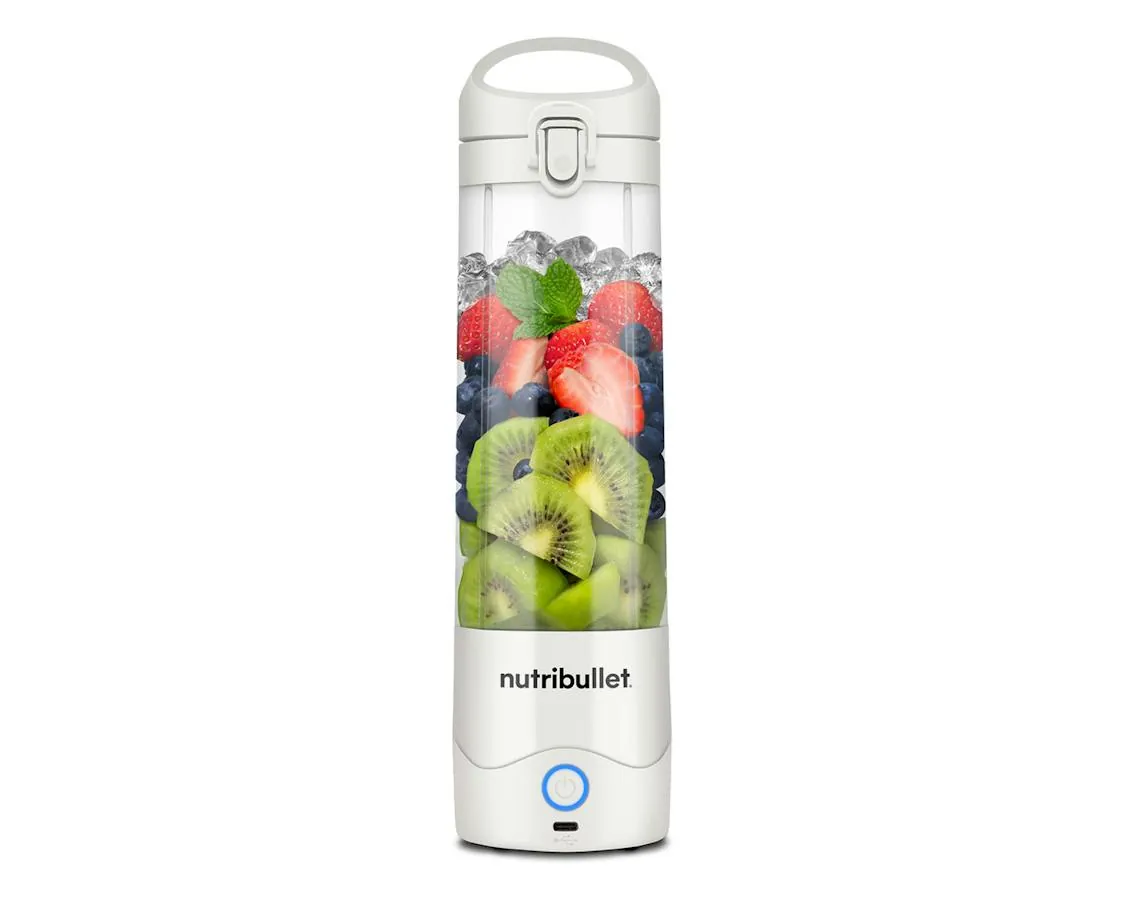
This page assumes a portable blender is the right machine for you, but it isn’t for everyone.
If you blend hot liquids or soup, stop — portable cups aren’t built for heat, and hot liquid can build pressure and splash. Use a proper soup blender or a heat-rated jar instead. If you blend daily for a family, the small cup means several rounds; a full-size countertop blender does it in one.
Crushing ice is another dividing line. A portable blender can handle a few cubes in a smoothie, but if you want crushed ice on its own or frozen fruit as the base of every drink, the small motor and blade will stall or wear out fast — that’s countertop territory. The same goes for grinding coffee, nuts or grains: there’s no dry-blade option here, and trying it dulls the blade.
And if your blender won’t shut off even with the cup untwisted, don’t troubleshoot the base yourself. That’s a battery or switch fault inside a sealed lithium-ion unit — contact NutriBullet customer service with your model and receipt. Opening the base risks injury and ends your warranty in one move.
Frequently asked questions
How do I turn off my NutriBullet portable blender?
Press the power button once — a short tap, not a hold — and the light goes dark as the motor stops. Then untwist the cup from the base. On models with a safety lock, untwisting the cup alone cuts the power even if the button was still lit.
Why won’t my portable blender turn off?
Most likely it’s a continuous-run model waiting for a second button press, or the cup is still locked on the base and the safety switch hasn’t triggered. Untwist the cup — that should cut the power instantly. If the motor keeps running with the cup off, stop using it and contact NutriBullet customer service.
How long does the blending cycle run?
It varies by model — many portable NutriBullet models run a cycle of roughly 45 seconds, but your model’s manual and product page state the exact length. The blender stops itself at the end of the cycle, so you only need to press the button if you want to stop earlier.
Is it safe to unscrew the cup while it’s running?
No. Untwisting the cup while the blades spin cuts the power mid-motion, and the blades may coast briefly as the cup separates. Wait until you can’t hear the motor, or untwist only if the blender won’t respond to the button — and keep fingers away until the blades are visibly still.
What happens if I leave the cup on the base?
Two problems can crop up. The button can get pressed inside a bag, running the motor against nothing and draining the battery. And a locked cup puts weight on the seal. Store the cup off the base — it takes a second and avoids both.
Does it matter if I store the blender charged or empty?
Yes — lithium-ion batteries last longest stored partly charged, not empty or freshly full. Charge it, use it, and top it up every few weeks if it sits unused. If the light flashes when you press the button after storage, it just needs a charge before it will blend again.
Can I wash the blender base under water?
No. The base holds the battery, motor, and charging port, and water in it can damage the unit or cause a shock risk. Wipe it with a damp cloth only. The cup and blade assembly take warm water rinse — check your manual, because some parts aren’t dishwasher-safe.
Your first shutdown, done right
Press the button once, wait for the light to go dark, then untwist the cup and check the blades are still before your hands go near them. That whole sequence takes under ten seconds, and the dark light plus silent blades are your proof it worked. If the motor keeps running after the cup is off, put the blender down and contact NutriBullet customer service — that’s the point where a kitchen job becomes a service call.
Resist the urge to twist the cup off while the motor is winding down. The blades coast for a moment after the button, and a cup pulled early can catch the drive socket. If the light is dark but you still hear a hum, wait a full five seconds before touching anything; a stalled motor can restart when the cup shifts.
One more habit worth building: unplug the base if you’re walking away mid-cleanup, even for a minute. A bumped button on an idle blender is how towels and spatulas get shredded.