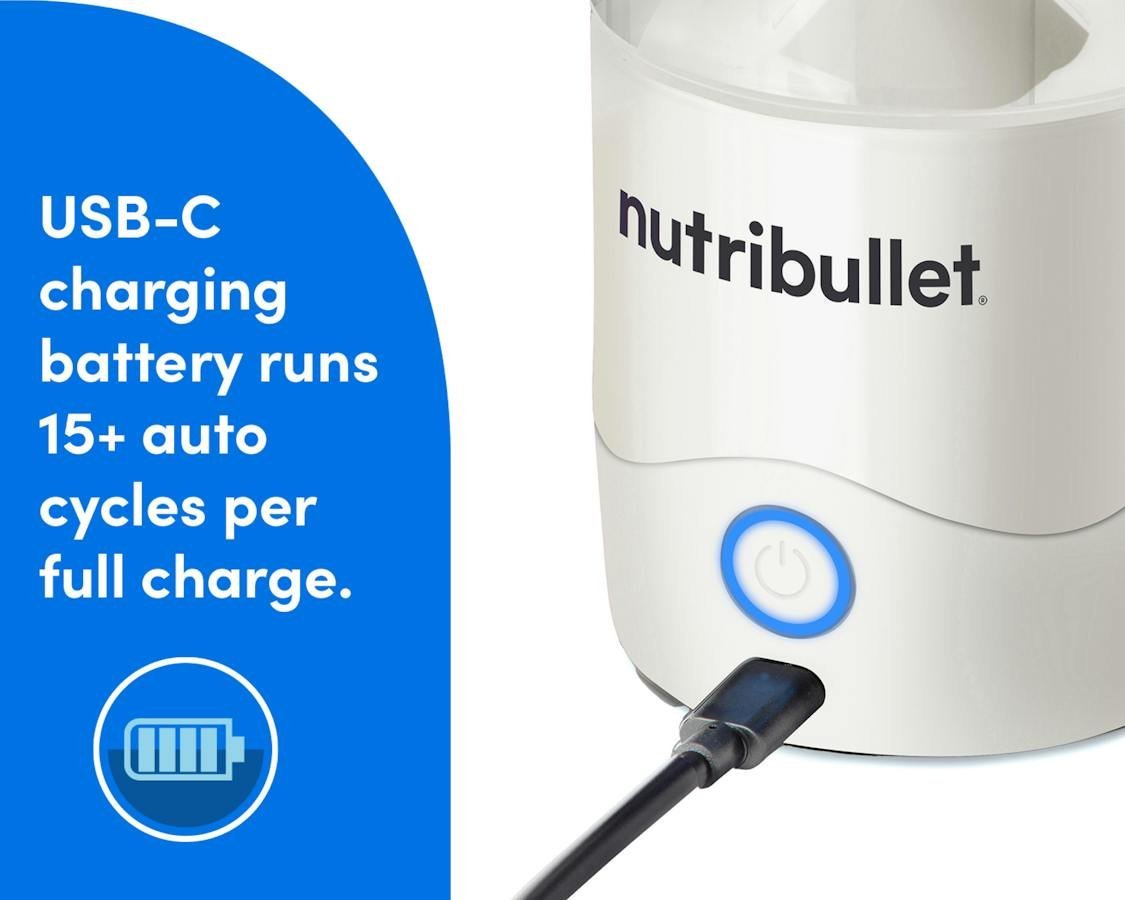
How To Charge a Nutribullet Portable Blender
You charge a Nutribullet Portable Blender by plugging its USB-C charging cable into the port on the base and connecting the other end to a USB power source — a wall adapter, laptop, or power bank. A full charge takes about 2 hours, and the light on the base tells you when it’s done.
Three things change that: which model you have (older ones use micro-USB, newer ones use USB-C), what you plug it into (a weak laptop port charges slower than a wall adapter), and how run-down the battery was to start. This page covers all three, plus what the lights mean and what to do if it won’t charge.
Who needs charging help
Two kinds of readers search for this. The second has owned one for months, the battery seems weak or the light won’t turn on, and they want to know if they’re charging it wrong or if the battery is failing.
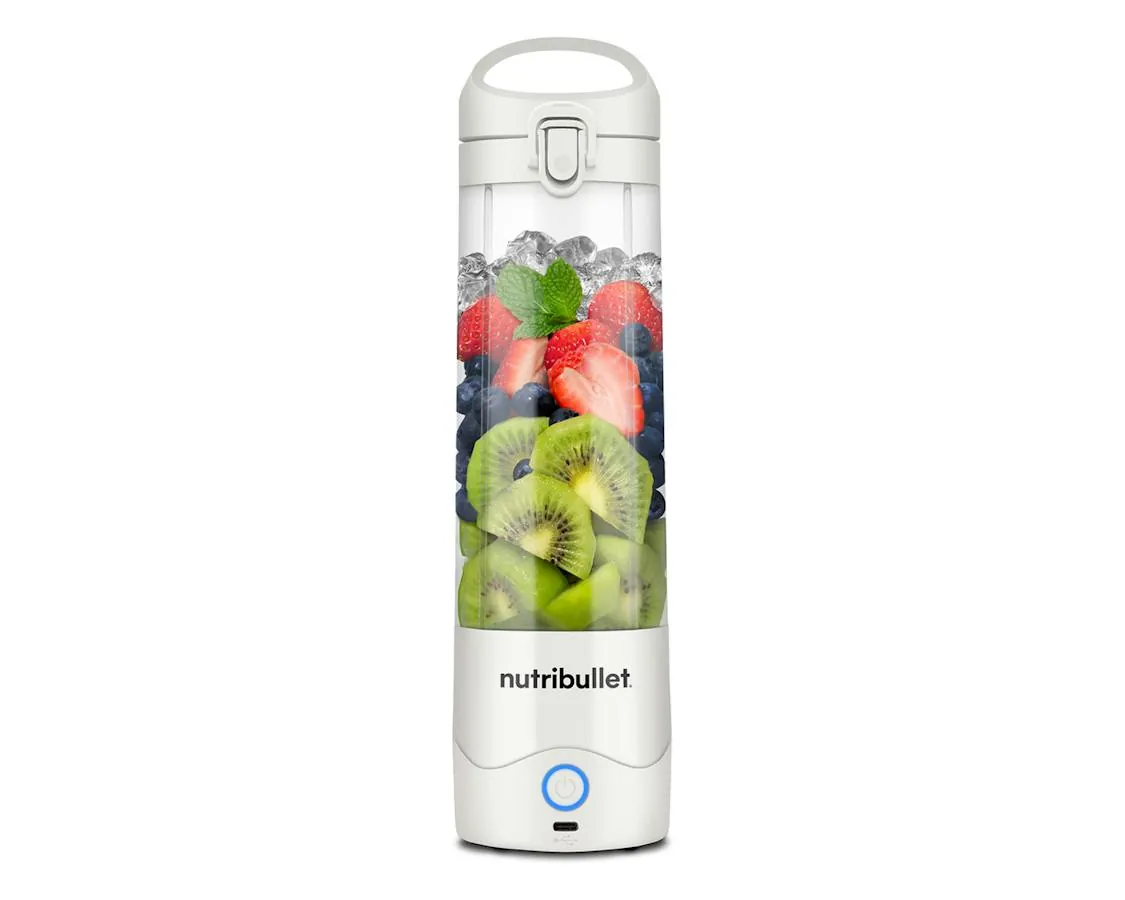
This page serves both, but it’s written mainly for the first reader, with a troubleshooting table for the second. It assumes you have a Nutribullet Portable Blender — the small cup-sized model, not the full-size countertop ones, which plug into a wall outlet and never charge at all.
What changes the charge time
Four things decide how long your blender takes to charge and how many blends you get from one charge.
The model you own. Newer Nutribullet portable blenders charge over USB-C. Some earlier versions used micro-USB. Look at the port on the bottom of the base — the shape tells you which cable you need. The plug that fits without forcing it’s the right one.
The power source. A USB wall adapter (the kind that came with your phone) charges fastest. A laptop USB port gives less power, so charging takes longer. A power bank sits somewhere between. If you’re in a hurry, use the wall.
The cable quality. Some USB cables are charge-only and some are charge-and-data, and cheap cables can be thin enough that they lose power along the way. If charging feels slow, try the cable Nutribullet supplied before you blame the battery.
How empty it was. A battery drained to zero takes the full charge cycle. One used for a single quick blend tops up much faster. This is the one most people get wrong — they judge charge time from a half-used battery, then panic when a dead battery takes the full two hours.
How to charge a Nutribullet portable blender step by step
Charging takes under five minutes of your attention. Here’s the whole job:
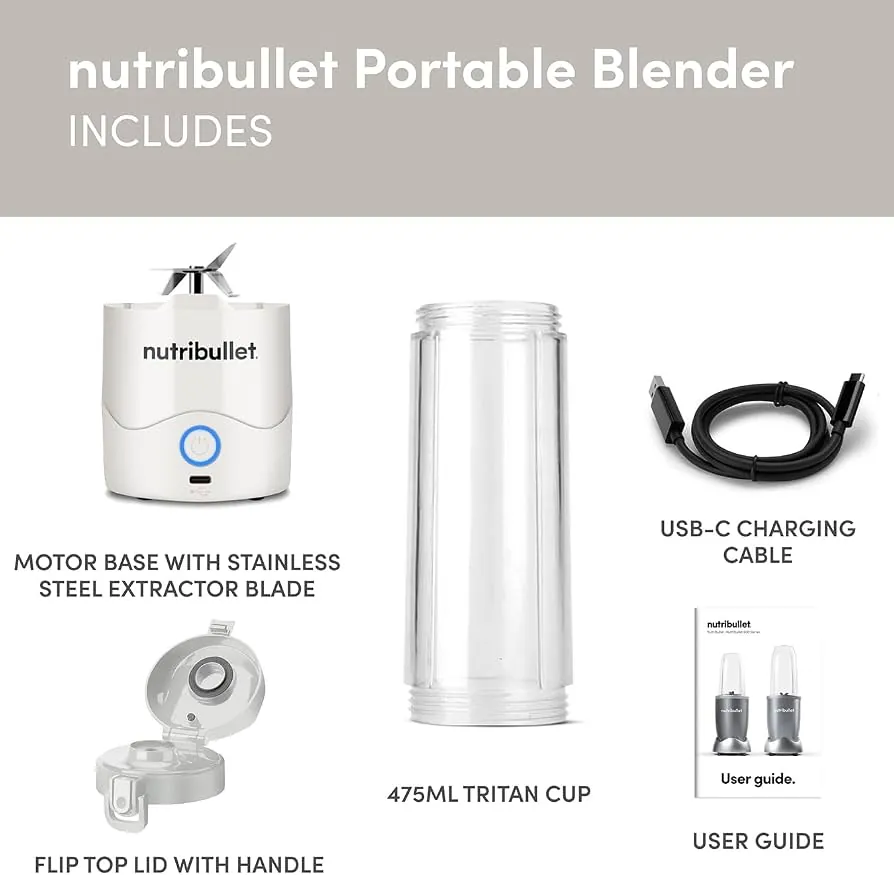
- Unplug the cup from the base if it’s attached. Twist the cup off the motor base. You charge the base, not the cup — the battery lives in the base.
- Check the port is clean and dry. Look at the charging port on the base. If you’ve washed the base by accident, let it dry fully first. Water in a charging port can stop charging and damage the contacts.
- Plug the USB cable into the base. It only fits one way on micro-USB; USB-C fits either way. Push it in firmly until it seats.
- Connect the other end to power. A wall adapter charges fastest; a laptop USB port works but takes longer. Don’t use a fast-charger rated far above what the manual lists — check the manual or the Nutribullet site for your model’s input rating.
- Watch the light. A blinking or solid light while charging means it’s working — check your model’s manual for which pattern means which, because it differs between versions.
- Leave it about 2 hours for a full charge from empty. If it was only partly drained, check the light every half hour or so.
- Unplug when the light shows full. The light usually stops blinking or changes color when charging is complete. Leaving it plugged in occasionally won’t ruin it, but don’t store it on the cable.
- Test it before you need it. Run one blend with water to confirm the charge took. If nothing happens, see the troubleshooting table below.
The judgement call is the light. People charge by the clock and miss a light that never came on, which usually means a bad cable or a dirty port — not a dead battery. Trust the light over the timer.
Charging situations at a glance
Different readers arrive with different setups. Here’s how each one plays out:
| Situation | What to do | What it takes | What to watch for |
|---|---|---|---|
| First charge, new blender | Charge a full 2 hours before first use | 2 hours, wall adapter | Light must blink or glow |
| Charging from a laptop | Use a USB port, expect longer | 2.5–3 hours, slower | Port must be powered, not sleep-mode |
| Using a power bank | Connect USB-C or micro-USB as your port needs | About 2 hours | Power bank’s own charge level |
| No original cable | Any cable matching your port shape | Free, if you own one | Thin cheap cables charge slowly |
| Battery fully dead | Full cycle from zero | About 2 hours | Don’t panic at the full time |
| Charging before travel | Top up the night before | 30–60 minutes for a top-up | Airline rules on batteries in bags |
What a good charge looks like
Before you plug in
Experienced owners dry the base completely after every wash and keep the charging port covered or stored away from the sink. Water in the port is the most common reason a charge silently fails. They also charge before the battery is fully empty — a battery that’s regularly run to zero loses capacity faster than one topped up partway.
They also check the light pattern in the manual on day one, so they know what “charging” and “full” look like for their exact model. Guessing the light’s meaning is how a dead battery gets mistaken for a broken charger.
While it charges
Check once, about 15 minutes in. The light should be on and behaving as the manual describes. If it’s dark at 15 minutes, unplug, inspect the port for lint or moisture, and try a different cable or outlet. Catching a failed connection early saves you a morning without a working blender.
Leave the blender alone for the rest of the cycle — don’t blend mid-charge. The battery manages heat better when it isn’t working while filling up, and heat is what shortens a battery’s life.
Blender won’t charge: fixes
Most charging problems have a boring cause. Match what you see to the fix:
| What you notice | What it usually means | What to do first | How to stop it again |
|---|---|---|---|
| No light when plugged in | Cable or outlet fault | Try another cable and outlet | Keep the original cable |
| Light blinks but never full | Weak power source | Move to a wall adapter | Charge from the wall |
| Charge doesn’t last | Battery aging | Fully charge and retest | Don’t drain to zero often |
| Port feels wet | Moisture in the port | Dry 24 hours before charging | Dry base fully after washing |
| Blender dead after charging | Battery or motor fault | Contact Nutribullet support | Register the warranty |
| Charges slowly | Cheap or long cable | Use the supplied cable | Store the cable with the blender |
If a full charge and a known-good cable still leave the blender dead, the fault is inside the sealed base. Don’t open it — the battery is lithium-ion, and opening the housing is a job for the manufacturer. Contact Nutribullet support or use the warranty.
The rules that apply
Two sets of rules matter here: the manufacturer’s and the airlines’. Nutribullet publishes model-specific charging details — input rating, cable type, and light meanings — in the manual and on its support pages, and those are the figures to trust over any general guide, including this one. The manual also lists what voids the warranty, and opening the base is on that list for every model.
The battery is lithium-ion, so airline rules apply. The US Transportation Security Administration (TSA) allows lithium-ion batteries in carry-on bags but restricts them in checked luggage, and rules differ by airline and country. Check the TSA site and your airline’s battery page before flying. If your battery is swollen, hot, or smells, stop using it and contact Nutribullet — that’s not a charging problem you fix yourself.
What charging costs you
The direct cost is nearly nothing — the blender ships with its cable, and charging draws a small amount of electricity, pennies per charge on a typical US rate. The real costs are time and battery life. Each full cycle takes about 2 hours, and a lithium-ion battery holds up for a few hundred cycles before capacity drops noticeably.
What moves those numbers: charging from a weak laptop port stretches the time; running the battery to zero often shortens its life; heat shortens it faster. To check where you stand, count how many blends one full charge gives you now, and compare in a few months. Fewer blends per charge means the battery is aging.
Keeping the battery healthy
Once charged, store the blender unplugged, with the cup empty and dry, somewhere room-temperature. Don’t leave it on the cable, and don’t store it in a hot car — heat is the fastest way to kill a lithium-ion battery. If you won’t use it for a month or more, give it a half charge before putting it away, because batteries left fully empty for long stretches can drop below the point where they’ll take a charge again.
The sign it needs attention: blends get weaker or shorter even right after a full charge. At that point, one full recharge-and-test tells you whether it was a charge issue or the battery itself. If it’s the battery, the sealed base means the fix goes through Nutribullet support, not your toolbox.
When charging isn’t the answer
Three situations where this page is the wrong stop. First, if your blender is a full-size countertop Nutribullet, it plugs into a wall outlet — there’s no battery, and a dead unit means checking the outlet and the fuse, or calling support.
Second, if the battery is swollen, hot, or smells, stop and contact Nutribullet; that’s a safety issue, not a charging routine problem. Third, if the motor runs but won’t blend ice or frozen fruit, that’s a blade and liquid-level question, not a battery one — check the fill line and liquid ratio in your manual.
Frequently asked questions
How long does it take to charge a Nutribullet Portable Blender?
About 2 hours from empty, using a wall adapter. A laptop USB port can stretch that to roughly 3 hours, and a partly drained battery needs much less. Check the light, not just the clock — your manual lists the exact full-charge signal for your model.
Can I charge it with my phone charger?
Yes, if the plug fits and the output matches what your manual lists. A standard USB wall adapter works well and charges fastest. Avoid chargers far above the model’s listed input rating — the manual or the Nutribullet site has the exact number for yours.
Why is my blender not charging at all?
Usually the cable, the outlet, or moisture in the port. Try a different cable and outlet first, and make sure the port is completely dry. If there’s still no light after that, the battery or the internals have failed, and Nutribullet support or your warranty is the next stop.
Is it safe to leave it plugged in overnight?
It’s not recommended. Occasional overcharging won’t destroy it, but routinely leaving a lithium-ion battery on the cable overnight adds heat and wear for no benefit. Unplug when the light shows full — it only takes a 2-hour cycle at most.
How many blends do I get per charge?
It depends on what you blend and how often. Light, thin blends use less battery than thick ones with frozen fruit or ice. The honest check is your own: count your blends on one full charge when the blender is new, and treat a clear drop in that count as the sign the battery is aging.
Can I take it on a plane?
Usually yes, in carry-on. The TSA allows lithium-ion batteries in carry-on bags but restricts them in checked luggage, and airlines set their own limits on battery size. Check the TSA site and your airline’s battery rules before you fly, since they differ by carrier and country.
Does it matter if I use the blender while it’s charging?
Don’t. Blending mid-charge adds heat to a battery that’s already warming up, and heat is what wears lithium-ion batteries out fastest. It also slows the charge. Finish the cycle first — 2 hours is a short wait for a longer battery life.
What happens if I wash the base?
You can damage the charging port and the motor. The base holds the battery and electronics — never submerge it or run it under the tap. Wash the cup and blade, wipe the base with a damp cloth, and let the port dry fully before charging again.
Your first charge
Plug the base in tonight with the supplied cable and a wall adapter, and leave it for a full 2 hours. You’ll know it worked when the light shows full and a test blend with water runs strong and smooth. If the light never comes on, switch cables once — and if it stays dark after that, it’s time to contact Nutribullet support.