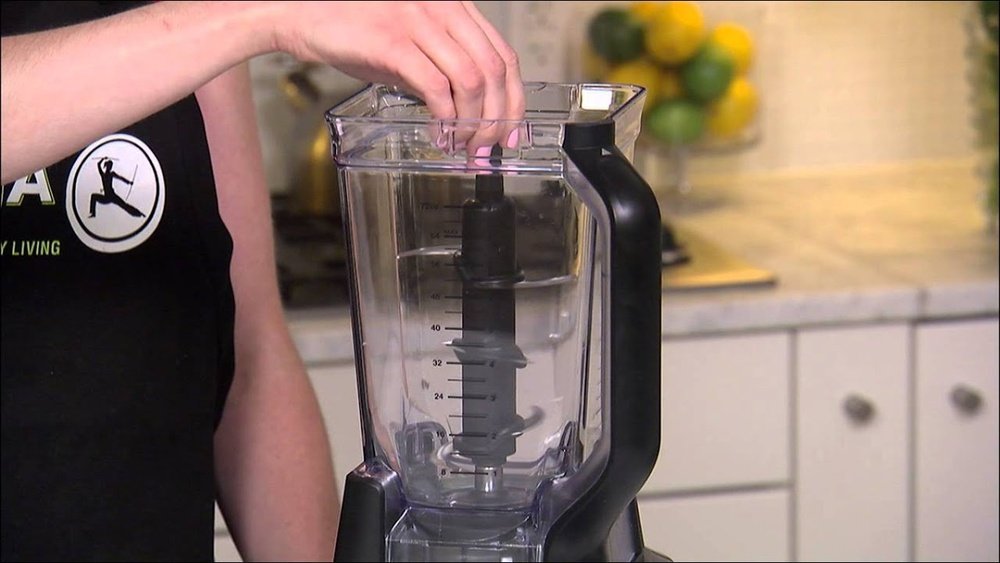
How Do You Turn On Ninja Blender: Quick Start Guide
Many kitchens today have a Ninja Blender sitting on the counter, but not everyone feels confident using it the first time. Maybe you just bought one, or perhaps you’re helping a friend who struggles with kitchen gadgets. Either way, turning on a Ninja Blender can be less obvious than you expect—especially with so many models, buttons, and safety features. This guide will help you feel at ease, whether you own a classic Ninja, a newer Smart Screen model, or a high-powered Ninja Professional.
Blenders are more than just machines—they save time, help you eat healthier, and let you make everything from smoothies to soups. But nothing is more frustrating than having all your ingredients ready and not knowing why your Ninja won’t start.
In this article, you’ll learn exactly how to turn on your Ninja Blender, what to do if it won’t start, and how to troubleshoot common problems. You’ll also see how Ninja models compare, with tables that make features clear at a glance.
Let’s get started and make your Ninja Blender work smoothly every time.
Understanding Your Ninja Blender: Key Parts And Models
Before you can turn on any Ninja Blender, it helps to know its main parts and types. Ninja makes several blenders, and while the basics are similar, small details matter.
Main Parts Of A Ninja Blender
- Motor Base: The heavy bottom part, usually with the control panel.
- Pitcher or Jar: Where you put your ingredients.
- Blade Assembly: Removable, sharp blades inside the pitcher.
- Lid: Always has a locking mechanism for safety.
- Control Panel: Buttons or a touchscreen for settings.
- Power Cord: Plugs into your wall outlet.
Most Ninja blenders will not turn on unless the pitcher, lid, and base are assembled correctly. This is a safety feature to prevent accidents.
Popular Ninja Blender Types
Ninja blenders come in several main types:
- Ninja Professional Series: Large, strong, for families or heavy blending.
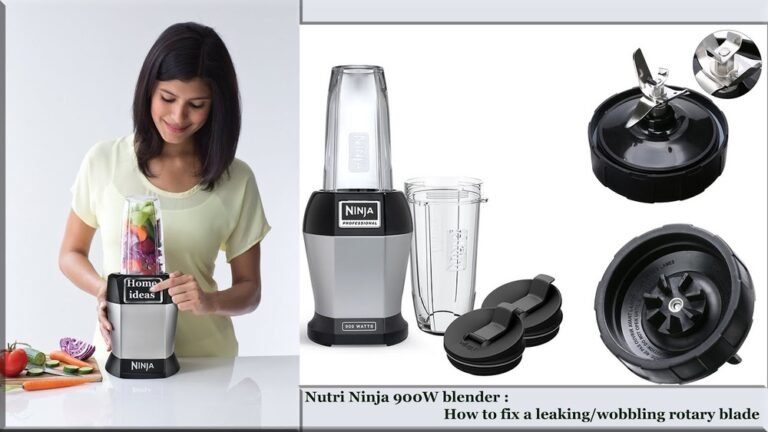
- Ninja Nutri Ninja (Personal Blenders): Small, single-serve, good for smoothies.
- Ninja Foodi (Heated/Cold Blenders): Can blend and cook soups or sauces.
- Ninja Smart Screen: Touchscreen controls, preset programs.
- Ninja Mega Kitchen System: Includes blender, food processor, and single-serve cup.
Below, you’ll find a simple table comparing features of the most common models:
| Model | Pitcher Size | Controls | Power (Watts) | Special Features |
|---|---|---|---|---|
| Ninja Professional | 72 oz | Buttons | 1000-1100 | Ice Crush, Large Pitcher |
| Nutri Ninja | 16-24 oz | Twist-to-Start | 900 | Single Serve Cups |
| Ninja Foodi | 64 oz | Buttons/Touchscreen | 1400 | Heats & Blends |
| Ninja Smart Screen | 72 oz | Touchscreen | 1000 | Auto-iQ Programs |
| Mega Kitchen System | 72 oz + 64 oz | Buttons | 1500 | Blender + Processor |
Knowing which Ninja you have makes it easier to follow the right steps.
Basic Steps To Turn On A Ninja Blender
Turning on your Ninja Blender is simple once you know the steps. Each model is a bit different, but the basics are always the same. Here’s what you do for most Ninja blenders:
- Place the Motor Base on a Flat Surface
- Make sure the base is dry and stable. Water under the base can cause accidents.
- Plug in the Power Cord
- Use a standard wall outlet. Avoid extension cords for safety.
- Assemble the Pitcher/Jar
- Place the blade assembly inside the pitcher.
- Align the pitcher on the base. It should “click” or lock into place. If not, the blender will not turn on.
- Add Ingredients
- Never overfill. Leave space for blending and avoid leaks.
- Attach the Lid
- Make sure the lid is closed tightly. Most Ninja lids have a locking tab or handle. Snap it down until you hear a click.
- Check for Safety Locks
- If the pitcher or lid isn’t locked, the blender won’t start.
- Press the Power Button
- On most models, a light will turn on, showing the blender is ready.
- Choose Your Speed or Program
- Use the buttons or touchscreen to select the right setting.
- Start Blending
- Press the desired speed or program. Hold the lid while blending for safety.
If the blender does not start, check every step above again. Most problems come from the pitcher or lid not being locked correctly.
Credit: www.ifixit.com
How To Turn On Different Ninja Blender Models
Different Ninja blenders have their own controls and safety steps. Below, you’ll find details for the most popular types.
Ninja Professional (bl610, Bl660, Etc.)
- Assemble the pitcher and blades on the base.
- Lock the lid until the handle clicks.
- Plug in the blender.
- Press Power. The light should turn on.
- Choose Low, Medium, High, or Pulse.
If the Power light blinks, check the lid and pitcher.
Nutri Ninja (personal/single Serve)
- Fill the cup with ingredients.
- Screw on the blade lid tightly.
- Invert the cup (blade side down).
- Place the cup onto the base.
- Twist to lock. You may need to turn the cup clockwise until it clicks.
- The blender will start once it’s locked.
Nutri Ninja models usually do not have an ON/OFF switch—locking the cup starts blending.
Ninja Foodi Blender
- Place the pitcher and blade on the base.
- Lock the lid and snap the handle down.
- Plug in the blender.
- Touch the Power button. The screen lights up.
- Choose a preset, like Smoothie or Heated Soup, or select a speed.
Ninja Foodi models have extra safety sensors. If not assembled perfectly, they won’t turn on.
Ninja Smart Screen
- Assemble pitcher and blades; lock onto base.
- Snap on the lid and close the locking tab.
- Plug in the blender.
- Touch the Power button on the touchscreen.
- Select a program (e.g., Ice Crush, Smoothie) or manual speed.
If the screen stays dark, check power connections and locks.
Mega Kitchen System
- Choose which attachment (blender, processor, or single-serve cup).
- Lock the attachment onto the base.
- Attach the right lid (pitcher or processor).
- Plug in.
- Press Power; choose speed or pulse.
This model is powerful but will not start unless everything is locked.
Troubleshooting: Ninja Blender Will Not Turn On
Even when you follow every step, sometimes your Ninja Blender refuses to turn on. Here’s how to solve the most common problems.
1. Power Light Won’t Turn On
- Check the power cord and outlet.
- Try another appliance to test the outlet.
- Make sure the base is plugged in firmly.
2. Power Light Blinks Or Flashes
- This means the lid or pitcher is not locked.
- Remove and re-attach the pitcher and lid. Listen for two clicks (one for the pitcher, one for the lid).
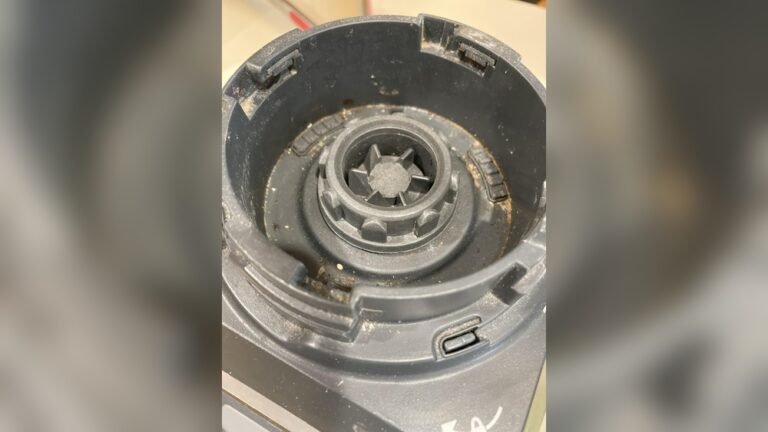
- Check for food or debris blocking the locking tabs.
3. Blender Turns On, But Blades Don’t Spin
- The pitcher may not be seated correctly.
- The blade assembly may be stuck or not installed.
- Stop, unplug, and carefully re-seat the blades.
4. Touchscreen Does Not Respond (smart Screen Models)
- Unplug for 60 seconds, then plug back in.
- Clean the screen.
- If it still doesn’t work, the blender may need service.
5. Blender Starts, Then Stops
- The motor may be overloaded. Too many ingredients or something too hard (like ice without enough liquid) can cause this.
- Remove some ingredients and try again.
- Let the motor cool for 10 minutes before restarting.
Here’s a quick troubleshooting table for reference:
| Problem | Likely Cause | Solution |
|---|---|---|
| Blender won’t power on | Not plugged in, faulty outlet | Check cord/outlet |
| Power light blinks | Lid or pitcher unlocked | Re-lock both parts |
| Blades don’t spin | Blade not seated, pitcher not locked | Re-seat blade/pitcher |
| Stops mid-blend | Overload, motor overheated | Reduce load, cool motor |
| Touchscreen unresponsive | Software glitch, dirty screen | Unplug, clean screen |
Don’t force the blender to start—if it’s not working, there’s always a reason.
Safety Features That Prevent Starting
Ninja blenders are designed to be safe, but sometimes these features can be confusing for new users. Here’s what you need to know:
- Lid Lock: Most models have a tab or handle that must click into place.
- Pitcher Lock: The pitcher must be aligned with the base—often, arrows or guides help you line it up.
- Overload Sensor: If you put in too much or something too hard, the blender may stop to avoid damage.
- Cup Sensing (Personal Models): The blender will only run if the cup is locked in.
- Auto Shut-Off: Some models stop after a set time to prevent overheating.
If your blender won’t turn on, double-check these features. It’s not broken—just being careful.
How To Turn On Ninja Blender For Different Uses
Sometimes, you need special steps for certain recipes or attachments.
For Smoothies
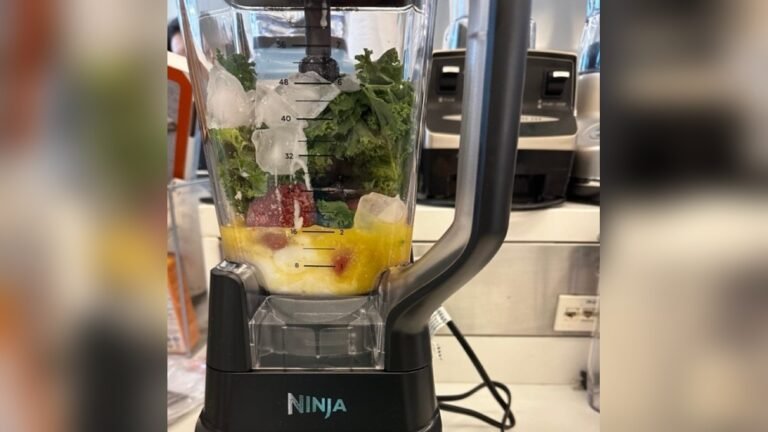
- Add liquid first (milk, water, juice).
- Add soft ingredients next (banana, yogurt).
- Add frozen items or ice last.
- Lock lid and pitcher.
- Choose Smoothie mode or medium-high speed.
For Crushing Ice
- Only use models rated for ice (see your manual).
- Add a little water to help blades move.
- Use Ice Crush mode or pulse in short bursts.
For Hot Soups (ninja Foodi)
- Add cooked ingredients.
- Use Heated Soup or Cook mode.
- Never fill above the hot fill line.
For Chopping Or Food Processing (mega Kitchen System)
- Use the processor bowl, not the blender pitcher.
- Attach the right blade.
- Lock bowl and lid.
- Use Chop or Dough settings.
For Single-serve Drinks
- Use the small cup.
- Attach blade lid tightly.
- Lock into base and twist to start.
Most common error: trying to blend very thick mixtures. If the blades can’t move, add liquid.
Model-specific Starting Tips
Let’s look at what makes each model unique, so you don’t get stuck.
Ninja Professional Series
- Has physical buttons for Power, Low, Medium, High, and Pulse.
- The Power button must be ON before other buttons work.
- Pitcher handle must be facing forward or side, depending on model.
Nutri Ninja Personal Blenders
- No Power button; blending starts when you twist the cup onto the base.
- If the cup is not locked, nothing happens.
Ninja Smart Screen
- Touchscreen can take a second to light up after pressing Power.
- If the screen is dark, check the wall outlet.
- For best results, use the Auto-iQ programs (e.g., Smoothie, Ice Crush) for automatic blending.
Ninja Foodi Hot & Cold Blender
- Has a separate Heater function. Only use this mode with the correct pitcher.
- For cold blends, use normal speeds; for soups, press Heated Soup.
Mega Kitchen System
- Make sure to use the correct attachment (blender or food processor bowl).
- If using the dough blade, only use Dough mode.
Common Mistakes When Turning On A Ninja Blender
Even experienced users can make mistakes. Here are some to watch out for:
- Forgetting to Lock the Lid
- Without the lid locked, the blender will not start.
- Not Aligning the Pitcher Properly
- Many models have arrows or grooves. Align before locking.
- Overfilling the Pitcher
- Too much food stops the blades and can trigger safety shut-off.
- Not Pressing the Power Button First
- On most models, speed buttons do nothing unless Power is on.
- Using the Wrong Attachment
- Single-serve cups, food processor bowls, or pitchers only work in their correct slots.
- Trying to Blend Without Liquid
- Blades need liquid to move ingredients. Always add some liquid.
- Touchscreen Not Responding
- Sometimes, users touch too lightly or with wet hands. Dry hands and try again.
- Using Damaged or Dirty Parts
- Cracks, chips, or food stuck in locks can stop the blender from working.
Credit: www.reddit.com
How To Clean And Maintain Your Ninja Blender For Reliable Starting
A clean, well-maintained Ninja Blender works better and lasts longer. Here’s what to do:
- Wash Pitcher, Lid, and Blades After Every Use
- Use warm, soapy water. Most parts are dishwasher safe (top rack).
- Wipe Motor Base with a Damp Cloth
- Never put the base in water.
- Check for Food Debris in Locks
- Clean locking tabs and grooves, as debris can stop the blender from starting.
- Inspect Power Cord for Damage
- Replace the cord if it’s frayed.
- Store with Lid Off
- This prevents smells and lets parts dry.
Regular cleaning prevents sticky locks, which are a common reason blenders won’t turn on.
Comparing Ninja Blender Models: Ease Of Use
Some Ninja models are easier to start than others. Here’s a quick comparison:
| Model | Startup Difficulty | Controls | Best For |
|---|---|---|---|
| Ninja Professional | Easy | Buttons | Families, large batches |
| Nutri Ninja | Very Easy | Twist-to-Start | Single servings |
| Ninja Foodi | Medium | Buttons/Touchscreen | Soups, smoothies |
| Smart Screen | Medium | Touchscreen | Tech lovers |
| Mega Kitchen System | Medium | Buttons | Multi-use kitchen |
If you want the fastest startup, the Nutri Ninja is the simplest—just twist and go.
Non-obvious Insights That Make Starting Easier
Many users overlook these tips, but they can save you time and trouble:
- Look for Arrows or Guides on Pitchers and Lids: These help you align parts for safe locking. Many people miss these small marks and struggle to get the blender started.
- Let the Motor Rest Between Uses: If you blend several times in a row, the motor may overheat and not start. Wait 10 minutes between uses for best results.
- Start with Soft Ingredients at the Bottom: This helps blades move and reduces startup strain.
- Always Check for Foreign Objects: Sometimes a spoon or spatula left in the pitcher blocks the lid from closing.
How Ninja Blenders Compare With Other Brands
Ninja blenders are popular because they mix power, price, and safety. Here’s how they stand out:
- More Safety Locks: Fewer accidents but sometimes harder to start.
- Easy to Clean: Most parts come apart.
- Multiple Models: From small to large, with many features.
- Affordable: Less expensive than Vitamix or Blendtec.
But, some users prefer models with a simple ON/OFF switch or fewer safety features.
When To Contact Support
If you’ve tried every step and your Ninja still won’t turn on, it might be time for help. Contact Ninja Customer Service if:
- The power light never comes on, even in a working outlet.
- The motor makes noise but blades don’t spin.
- The touchscreen is always dark or frozen.
- You see sparks, smoke, or a burning smell.
Keep your receipt and model number handy. Most Ninja blenders come with a 1-year warranty. For manuals and more help, visit the Ninja Kitchen support page.
Frequently Asked Questions
Why Won’t My Ninja Blender Turn On Even When Plugged In?
If your Ninja Blender is plugged in but won’t turn on, check that the pitcher and lid are locked correctly. Most models have safety features that prevent starting if anything is not seated. Also, confirm the outlet works by testing another device.
How Do I Know If The Pitcher And Lid Are Locked Properly?
Listen for a “click” when locking the pitcher onto the base and snapping down the lid. Many Ninja blenders have arrows or marks to guide you. If the Power light blinks or stays off, something may not be locked.
Can I Use My Ninja Blender Without The Lid?
No. Ninja blenders are designed to only run with the lid securely attached. This prevents accidents and spills. Never try to bypass the safety lock.
Why Does My Blender Start And Then Stop After A Few Seconds?
This usually means the motor is overloaded. Remove some ingredients, especially hard or frozen items, and add more liquid. Give the motor a 10-minute rest if it overheats.
Is It Safe To Wash All Ninja Blender Parts In The Dishwasher?
Most Ninja blender pitchers, lids, and blades are top-rack dishwasher safe. Always check your user manual first. Never put the motor base in water or the dishwasher.
Using a Ninja Blender can seem tricky at first, but once you understand the steps, it becomes a fast and safe kitchen helper. Take your time with assembly, never force parts, and use the right settings for your food. With the tips and tables above, you should never be stuck wondering how to turn on your Ninja Blender again.
Enjoy blending, and create healthy recipes with confidence.
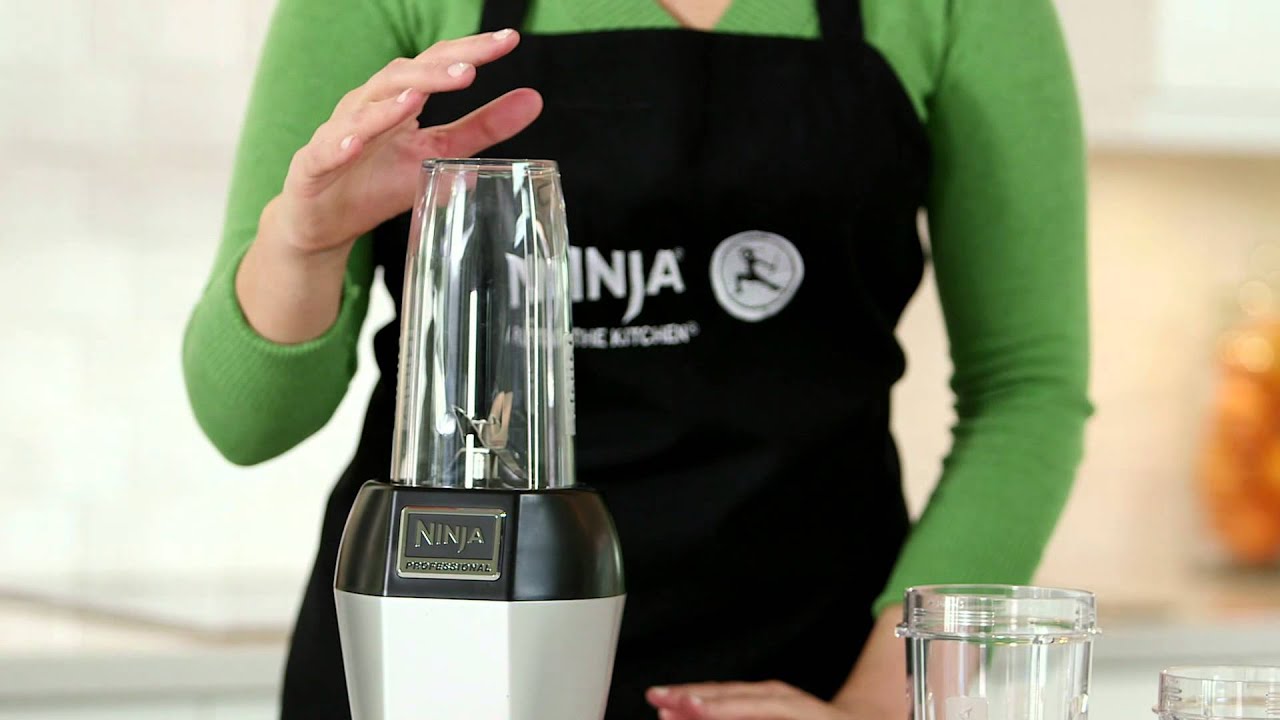
Credit: www.youtube.com