How Long To Charge a Nutribullet Portable Blender
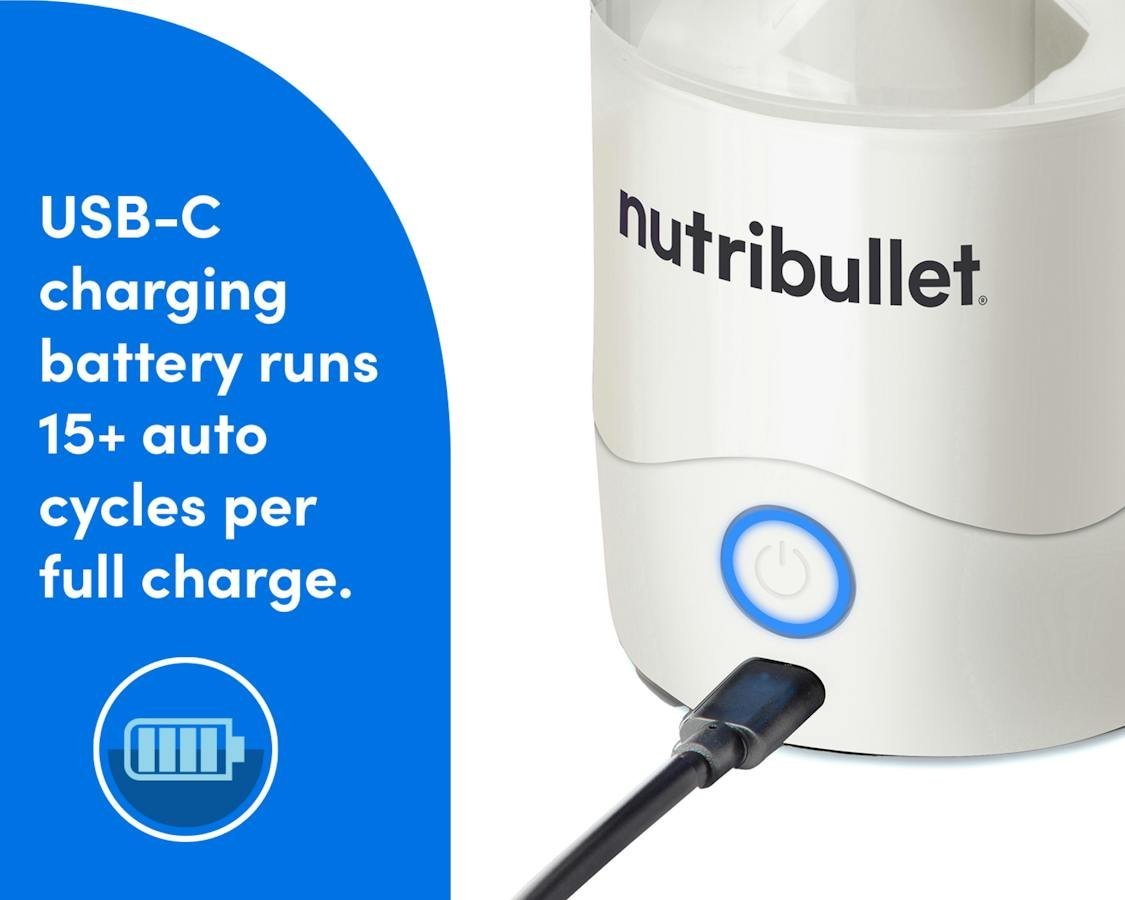
A Nutribullet portable blender takes about 2 to 4 hours to charge from empty to full. When the battery light stops blinking and stays solid, it’s done — unplug it then. A full charge gives you roughly 10 to 15 blends of soft fruit, depending on which model you own.
Three things move that number: the model (the 18 oz and 32 oz versions charge differently), the power source (a laptop USB port is slower than a wall adapter), and how empty the battery was when you started. This page covers each one.
Charging past the solid light doesn’t add blends. The cells are full, and the extra time just warms the base. If you’re packing it for a trip, charge the night before rather than the morning of.
A laptop port can turn a 2-hour charge into most of an afternoon. If you’re on a deadline, use the wall adapter that came in the box. If the light is still blinking after 4 hours, the port is the problem before the battery is.
Which Nutribullet portable blender owner are you?
Three kinds of people search this question. The first bought a Nutribullet portable blender recently and can’t tell if the light means charging or charged. They still have the box and the cable, and they need one clear sign to look for.
The second has owned theirs for months and the battery now dies faster than it used to. They want to know if that’s normal or a fault. The third is packing for a trip and needs to know whether one charge covers a week of breakfasts.
This page serves the first two readers best. It assumes you have the blender, its original USB cable, and the small manual that came in the box. If you’ve lost the manual, Nutribullet’s own website carries a digital copy for each model — that’s the page to check, because the charging light behavior differs between the 18 oz and 32 oz versions.
The third reader, the traveler, gets a partial answer here. What you really need is a power bank with the right output, and that’s a different question with a different set of numbers.
What decides your charging time
The model you own. Nutribullet sells more than one portable blender, and they don’t share a battery. The smaller 18 oz unit carries a smaller cell than the 32 oz version, so it fills sooner. Read the model number printed on the base of your blender, then check that exact model’s page on Nutribullet’s site for its stated charge time. This is the factor people get wrong most often — they read a number for the wrong model and then think their unit is broken.
The power source. A 5V/1A wall adapter pushes more current than a laptop USB port, which often caps lower. Same blender, same cable, different wait. If yours has been on a laptop for three hours and the light is still blinking, the port is the likely reason, not the battery.
The cable. A thin charge-only cable from a drawer may not carry enough current. Use the cable that came in the box, or one rated for the same current. A damaged cable shows as a charge that never finishes.
The battery’s starting state. Charging from empty to full takes longer than topping up from half. If you blend daily and plug in every night, you’re rarely doing a full cycle.
Temperature. Charging in a hot car or direct sun slows things down and stresses the cell. Room temperature is what the stated times assume.
Charging your Nutribullet portable blender step by step
Find the model number. Turn the blender over and read the label on the base. Write it down — you’ll need it if you check Nutribullet’s site later. You’ve done this right when you have the full model code, not just “Nutribullet.”
Check the battery level first. Press the power button once. If it lights up and blends, you don’t need a full charge. A blender that runs for a few seconds before dying needs a full cycle.
Plug the original USB cable into the charging port. The port sits on the base, usually under a small cover. Push it in firmly — a loose plug is the most common reason a light never comes on.
Connect the other end to a 5V/1A wall adapter. A phone charger with that rating works. Avoid laptop ports and car USB slots if you want the faster end of the 2 to 4 hour range.
Watch the light. It blinks while charging. That blinking is your progress signal — there’s no percentage display on most models.
Wait 2 to 4 hours. Check at the 2-hour mark. If the light is still blinking, leave it. Don’t unplug and re-plug to “reset” it — that does nothing useful.
Stop when the light goes solid. A steady light means full. Unplug it at that point. Leaving it plugged in overnight won’t damage most units, but there’s no benefit either.
Test with a short blend. Add a small amount of soft fruit and blend for a few seconds. Strong, even spinning means the charge took.
The judgement call is knowing when to stop waiting. If the light is still blinking after 6 hours on a wall adapter with the original cable, the problem isn’t patience — it’s the cable, the adapter, or the battery. Swap the cable and adapter first, since those are cheap to test. If a second cable and a known-good adapter give the same result, the battery is the issue, and that’s a manufacturer or service question, not something to open up yourself.
Charge times by situation
| Your situation | What to do | What it takes | What to watch for |
|---|---|---|---|
| Brand new, first charge | Full charge before first use | 2-4 hours | Light blinking, then solid |
| Daily user, topping up | Plug in each night | 1-2 hours | Light goes solid early |
| Charging from a laptop | Switch to a wall adapter | 3-5 hours on USB | Slow or stalled charging |
| Battery dies fast now | Full cycle, then time it | 2-4 hours | Short runtime after full charge |
| Traveling, no outlet | Use a 5V/1A power bank | Same as wall adapter | Power bank output rating |
| Light never stops blinking | Swap cable, then adapter | 10 minutes to test | No change means battery fault |
What careful owners do differently
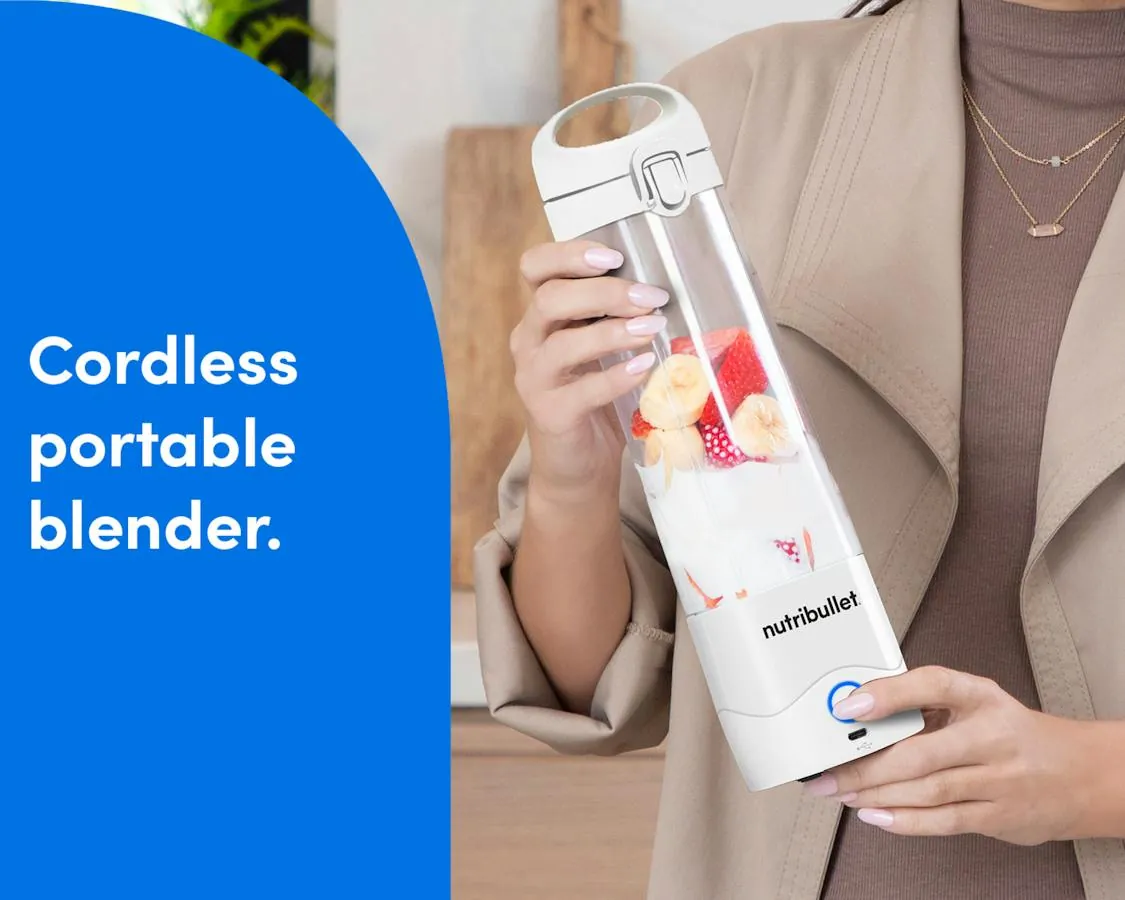
They read the model, not the brand
Two Nutribullet portable blenders can sit on the same counter with different batteries and different charge times. Careful owners read the label on the base before they trust any number they found online. That one habit prevents most of the “my blender charges too slowly” complaints, because the number they were comparing against belonged to a different unit.
They charge before the battery is flat
Lithium cells last longer when they’re not run to zero every time. Plugging in at half charge instead of waiting for the blender to die keeps the runtime steadier over months. It’s also faster — a top-up from half takes closer to an hour than the full 2 to 4.
They leave the sealed parts alone
The battery sits inside a sealed housing. Careful owners don’t pry at it, don’t run the unit while it’s plugged in, and don’t charge it in a hot car. When runtime drops badly and a new cable doesn’t help, they contact Nutribullet support rather than opening the base. There’s no user-serviceable battery inside, and opening it voids the warranty.
When charging goes wrong
| What you notice | What it usually means | What to do first | How to stop it happening again |
|---|---|---|---|
| No light at all | No power reaching the unit | Try another adapter and outlet | Use the original cable |
| Light blinks forever | Weak adapter or worn cable | Swap cable, then adapter | Keep a 5V/1A adapter aside |
| Blends weakly after charge | Charge wasn’t complete | Charge until light is solid | Wait for the solid light |
| Dies within seconds | Battery near end of life | Contact Nutribullet support | Avoid full discharges |
| Gets warm while charging | Normal, or a hot location | Move it to a cool spot | Don’t charge in sun or car |
| Charges fast, drains fast | Cell capacity has dropped | Time a full cycle | Note runtime, compare later |
The rules and limits that apply
The charging standard here is USB, and the relevant specification is USB-IF’s published USB power rules — a standard 5V port supplies up to 1A unless the device and charger negotiate more. Nutribullet’s own manual for your model states the required input, and that’s the figure to follow, because it varies by model.
Warranty matters too. Nutribullet’s warranty terms are published on its website and differ by country, so read the version for where you bought the blender. Opening the base to reach the battery voids it in most cases.
One hard limit: the battery isn’t user-replaceable. If a new cable and a known-good 5V/1A adapter don’t fix slow charging, stop there. Contact Nutribullet support or an authorized service point. Don’t open the housing — the cell inside can be damaged by prying, and there’s no safe DIY path.
What this really costs you
The money cost is usually zero. If your blender came with its cable, and you own any phone charger rated 5V/1A, you already have everything. A replacement USB cable is inexpensive, and a basic wall adapter costs a few dollars — check current prices at any electronics retailer, since they change.
The real cost is time. A full charge eats 2 to 4 hours of a socket, which matters if you’re charging from a laptop at a café or sharing one outlet in a hotel room. A power bank removes that constraint, but you’ll pay more for one that holds enough charge for several blends.
Risk is the third currency. Charging a sealed lithium battery in a hot car or direct sun shortens its life, and that’s a cost you pay months later as shorter runtime. Room temperature charging is free insurance.
Keeping the battery healthy after charging
Store the blender charged, not flat. A lithium cell left at zero for weeks loses capacity faster than one kept around half full. If you won’t use it for a while, charge it to about half and put it somewhere cool and dry.
Watch the runtime, not the calendar. There’s no fixed replacement schedule to follow here — what tells you the battery is aging is a blend count that keeps dropping. If you used to get 12 blends and now get 6 after a full charge, the cell has lost capacity.
You can fix most slowdowns without starting over. Swap the cable. Try a different 5V/1A adapter. Charge until the light is solid rather than guessing. If none of that restores runtime, the battery is the limit, and that’s a support call, not a repair job.
Heat is the other thing that shortens a cell’s life, and it does more damage than a deep discharge. A blender left in a hot car between uses will age faster than one stored in a kitchen cabinet. The same goes for charging right after a long run: let it sit for half an hour and come back to room temperature first.
If you charge it every night whether or not you used it, stop. Topping up a cell that’s already near full adds a little wear each time for no benefit. Charge when the runtime actually drops off, then take it back to full in one go.
When a portable blender isn’t the right tool
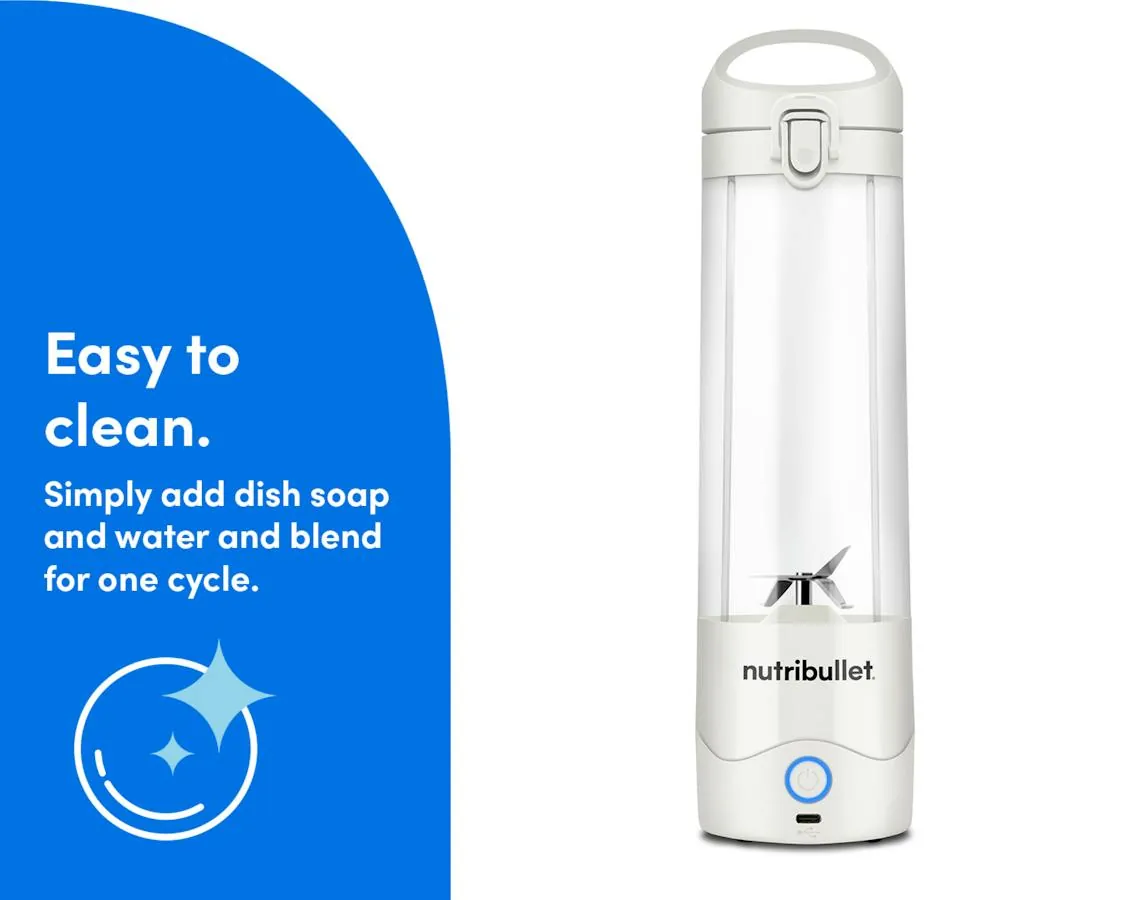
If you’re blending frozen fruit, ice, or tough greens every day, a battery unit is the wrong choice. The motor draws hard, runtime drops fast, and you’ll be charging constantly. A corded countertop blender handles that load without a battery in the picture.
If you need a blender for a household of four, one portable unit won’t keep up. Buy a full-size blender and keep the portable one for single servings away from home.
Think about how many batches you actually make before you buy. One smoothie a day is a portable job. Two or three, plus sauces and soups, is countertop work, and no battery model will change that math.
If your unit won’t charge after a cable and adapter swap, stop. That’s a battery or internal fault, and it needs Nutribullet support or an authorized service center. Don’t open the sealed base — the warranty won’t cover what you find inside.
One more thing people get wrong: a portable blender isn’t a smaller version of a countertop one. It’s a different tool for a different job, and buying it to replace a full-size machine usually ends with both a dead battery and a refund request.
Frequently asked questions
How long does it take to charge a Nutribullet portable blender?
About 2 to 4 hours from empty to full, assuming the original cable and a 5V/1A wall adapter at room temperature. A laptop USB port or a weak adapter stretches that to 3 to 5 hours. Check your model’s manual on Nutribullet’s site for its stated figure.
How do I know when it’s fully charged?
The light stops blinking and stays solid. That steady light is the only full-charge signal on most models — there’s no percentage readout. Unplug it once the light holds steady.
Can I use any USB charger?
Any adapter rated 5V/1A will work. Higher-rated adapters are fine too, since the blender draws only what it needs. Avoid very low-output ports, which slow the charge and can leave the light blinking for hours.
Why is my blender still blinking after 5 hours?
The adapter or cable is the likely cause, not the battery. Swap to a known-good 5V/1A wall adapter and the original cable, then check again. If it still won’t finish, the battery needs a support call.
Is it safe to leave it charging overnight?
It’s generally fine with the original cable and a standard adapter, since the unit stops drawing once full. But there’s no benefit to it, and charging in a hot room or a car is worth avoiding. Unplug when the light goes solid.
Does charging while blending work?
No — don’t blend while plugged in. The portable models are designed to run on battery only. Blending while charging isn’t supported and can stress the unit.
How many blends do I get per charge?
Roughly 10 to 15 blends of soft fruit and liquid on a full charge, depending on the model and how long each blend runs. Hard or frozen ingredients cut that number sharply. Your own count is the honest figure — time a full charge and count.
Does the battery lose capacity over time?
Yes, like any lithium cell, capacity drops with age and use. The sign is a blend count that keeps falling after a full charge. There’s no user-replaceable battery, so a badly degraded cell means contacting Nutribullet support.
Start with a full charge and a wall adapter
Plug your blender into a 5V/1A wall adapter with the original cable and let it charge until the light goes solid — expect 2 to 4 hours. You’ll know it worked when a short blend runs strong and even.
Skip the laptop USB port. A 5V/1A adapter delivers the full current the battery expects, while a computer port often caps lower and can leave you waiting most of a day for a partial charge.
If the light is still blinking after 6 hours on a known-good adapter and cable, stop and contact Nutribullet support rather than opening the base. A blinking light past that window usually means a battery or board fault, and prying the base open voids the warranty without fixing anything.
One exception: a brand-new unit may need a longer first charge before the light holds solid. Give it the full 6 hours once, then judge from there.