How To Reset Oster Blender: Fix a Locked Panel
To reset an Oster blender, unplug it for 30 seconds, then plug it back in — that clears most locked control panels and stuck lights.
Three things change this answer. The model matters — Oster sells both simple dial blenders and touchpad “Smart” ones, and they reset differently. The jar and lid matter too, because many units won’t start unless the jar locks in fully. And the problem matters: a reset fixes a frozen panel, not a dead motor.
Which Oster blender owners this page helps
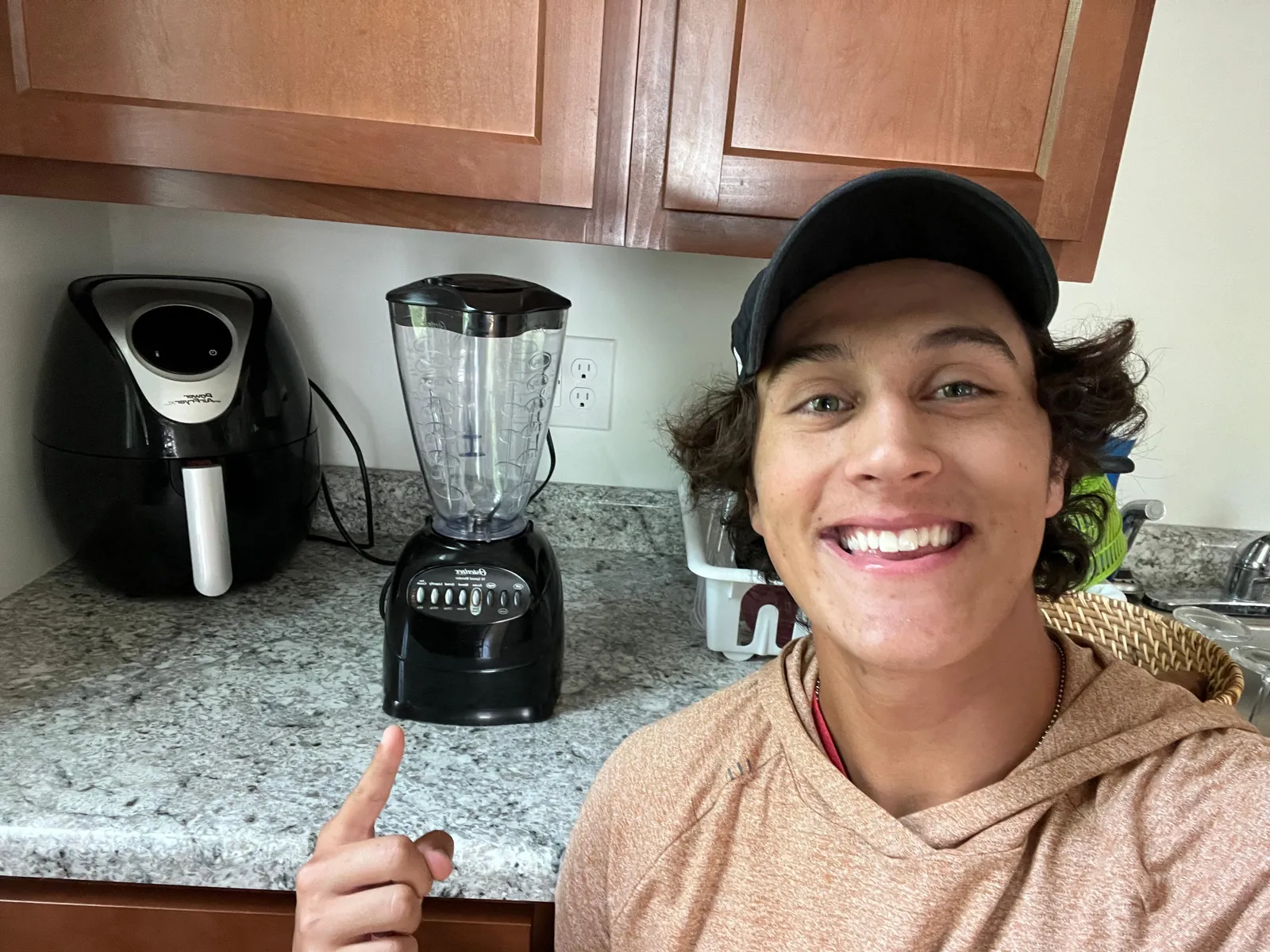
You likely fall into one of three groups. The first owns a basic Oster with a dial and two or three buttons. It has no electronics to freeze, so a reset rarely helps — your blender stops because of the jar, the lid, or the outlet.
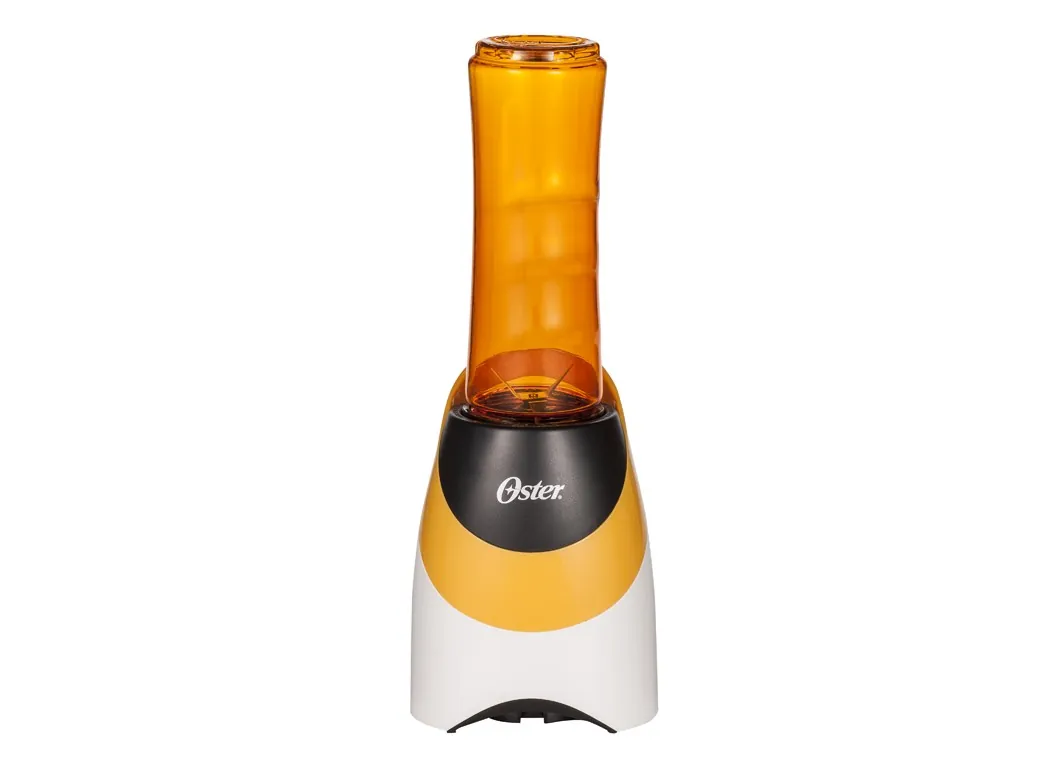
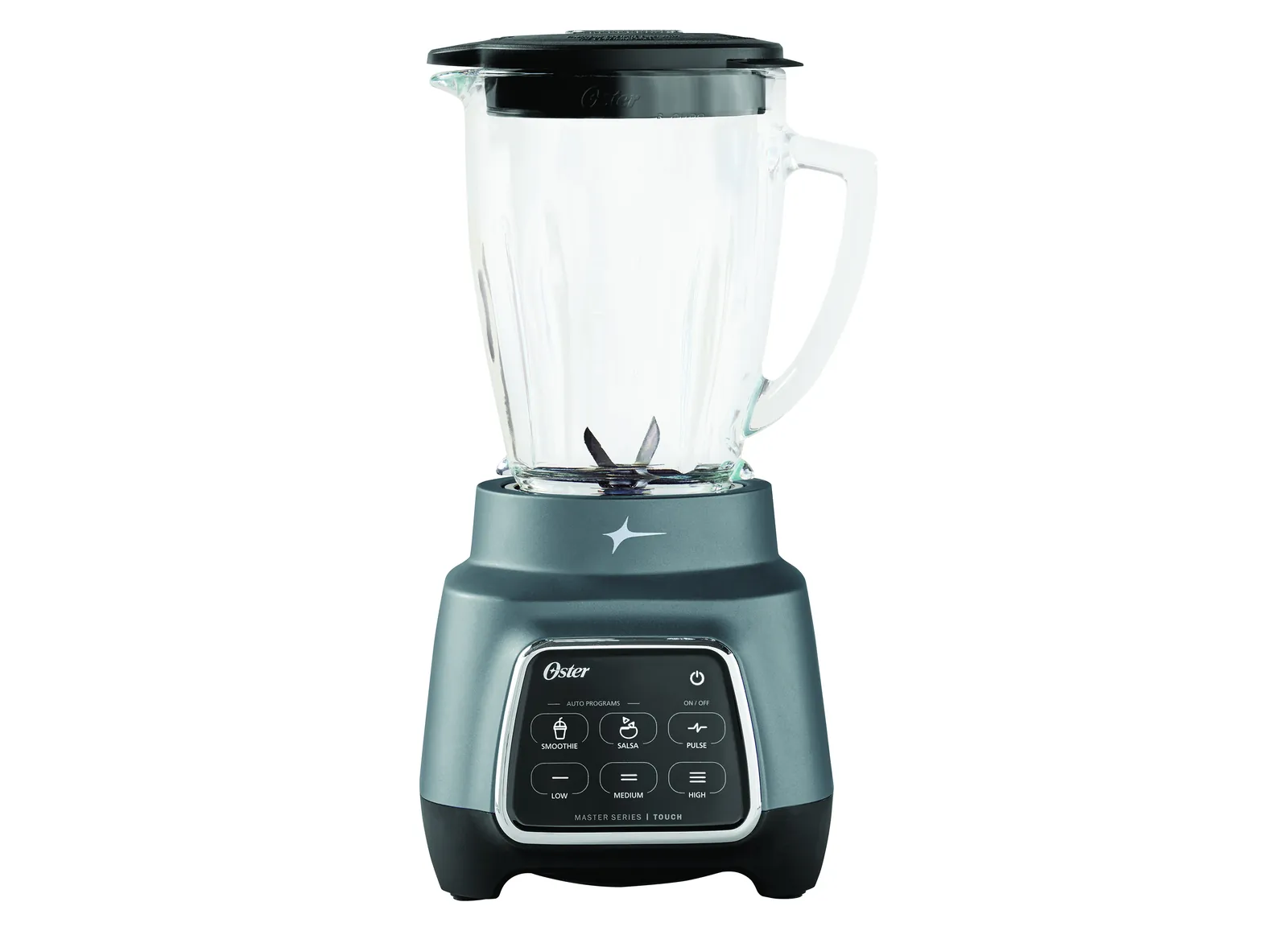
The second group owns a touchpad model, often one of the Oster Pro or Master Series blenders. The panel lights up but nothing spins, or one button stays lit and the rest don’t respond. This is the group a reset actually fixes, and it’s who this page serves best.
The third group has a blender that’s completely dead — no lights, no sound, nothing. That’s usually a power problem or a blown thermal cutout, and a reset won’t bring it back. You need the troubleshooting checks instead.
The rest of this page assumes your blender has a digital panel and still receives power. If yours has a plain dial, skip to the section on jar and lid problems — that’s where your answer lives.
What actually decides whether a reset works
The model is the biggest factor. Oster’s touchpad blenders store a small amount of memory in the control board, and that memory can lock up the same way a phone does. A dial blender has no board like this, so there’s nothing to clear. Find your model number on the base plate, then check it on Oster’s own product page to see which control type you have.
The jar and lid position comes second. Many Oster models have a safety interlock — a small tab that must sit in the right spot before the motor gets power. If the jar isn’t seated all the way down, the panel may light up but the blades won’t turn. Lift the jar off, set it back down, and press until you feel it settle.
The outlet and cord rank third. A loose plug or a tripped breaker looks exactly like a dead blender. Test the outlet with a lamp or your phone charger before you blame the blender.
The mistake people make most often is holding the reset too briefly. A one-second unplug does nothing — the board needs time to drain. Give it a full 30 seconds.
Step-by-step reset for Oster blenders
- Turn the blender off. Press the power or Off button once. If the panel is frozen, skip this and go to step 2 — you can’t turn off a locked panel.
- Unplug the cord from the wall. Pull from the plug body, not the cord, so you don’t bend the prongs.
- Wait a full 30 seconds. This lets the control board lose its stored charge. Counting to 10 isn’t enough.
- Check the jar and lid while you wait. Lift the jar off the base, set it back down, and press until it seats. Lock the lid flat, with the pour spout closed.
- Plug the blender back in. Push the plug in firmly. The panel should light up or beep once — that’s your sign the board has power.
- Press a speed button to test. Choose Speed 1. The blades should spin. If the panel responds but the motor stays silent, stop here — that’s a motor or interlock issue, not a reset issue.
- If it’s still frozen, try a longer unplug. Leave it unplugged for 10 minutes, then repeat steps 5 through 7. Ten minutes covers the models that hold a charge longer.
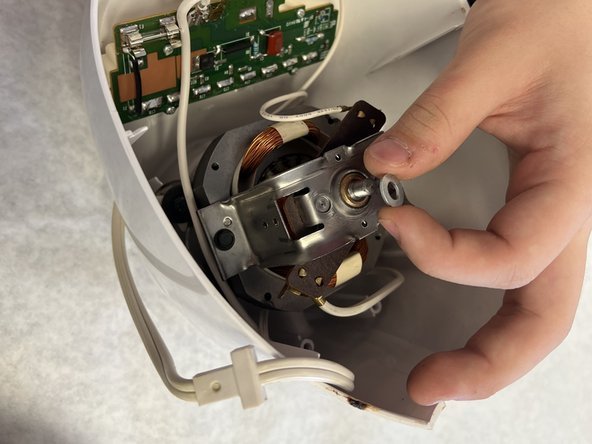
The judgement call is knowing when to stop resetting. Two attempts is the limit. A third try won’t change anything, and it hides the real problem — a bad board, a worn interlock, or a dead motor. At that point, contact Oster support with your model number, or take it to a repair shop. Don’t open the base yourself: the capacitor inside can hold a dangerous charge even when the blender is unplugged.
Reset methods by situation
| Your situation | What to do | Time it takes | What to watch for |
|---|---|---|---|
| Panel frozen, lights stuck on | Unplug 30 seconds, replug | About 1 minute | Lights flash once on restart |
| Blender won’t start at all | Test outlet with a lamp first | About 2 minutes | No panel light means no power |
| Touchpad beeps but no spin | Check jar seat and lid lock | About 1 minute | Jar must click into place |
| Reset worked, then froze again | Unplug 10 minutes, retry | About 12 minutes | Repeat freeze means board fault |
| Dial blender, no buttons | Clean jar and check blade | About 5 minutes | No reset needed on dial models |
| Motor smells hot or burned | Stop use, let cool 30 minutes | About 30 minutes | Burning smell means stop for good |
| Blender under warranty | Call Oster support first | Varies by claim | Don’t open the base yourself |
What careful owners do differently
They read the panel before touching anything
A frozen panel and a dead panel look similar but need different fixes. If any light is on, the board has power, so a reset is worth trying. If the panel is completely dark, the problem sits in the outlet, the cord, or the plug — and no amount of resetting will help. Check the outlet first with another device. That one test saves people from chasing the wrong fix for an hour.
They stop at two tries
Experienced owners set a limit: reset twice, then move on. Each reset takes about a minute, so two tries cost you two minutes. After that, the odds drop sharply, and the real cause is usually hardware.
They also write down the model number from the base plate before calling support, because the first question is always which blender you own. And they leave the base alone — the housing screws stay untouched, because opening it voids the warranty and risks a shock.
Common problems and quick fixes
| What you notice | What it usually means | What to do first | How to stop it happening again |
|---|---|---|---|
| Panel lights but no spin | Jar not seated on the base | Lift jar, press down firmly | Seat the jar fully every time |
| Nothing happens at all | No power from the outlet | Test outlet with a lamp | Check plug and breaker first |
| Blender stops mid-blend | Motor overheated, cutout tripped | Unplug, cool 30 minutes | Blend in shorter bursts |
| Reset fixes it, then it freezes | Control board fault | Call Oster support | Note the model number |
| Loud grinding noise | Worn blade or bearing | Stop use, inspect the blade | Replace worn blades early |
| Burning smell from base | Motor or wiring problem | Stop use immediately | Never run it past its duty cycle |
Three of these six are the same fault wearing different clothes: the jar isn’t seated. If the panel lights and nothing turns, if the motor hums and stalls, if it cuts out seconds after you start, lift the jar and press it down until it seats. That costs you ten seconds. A control board repair costs far more, and the two are easy to confuse.
The test is what happens after you reseat it. If the blender runs normally, the jar was the problem and you’re done. If it stalls again within the same session, the board or the motor is at fault, and no amount of reseating will help.
Cool-down time is where most people go wrong. Thirty minutes means thirty minutes, not five. Restarting a hot motor trips the cutout again, and each trip shortens the motor’s life. If you blend daily, work in bursts of thirty seconds or less and give it a minute between them.
Two signs mean stop, not troubleshoot: a burning smell, and grinding that starts suddenly. Unplug first, then inspect.
Warranty and safety rules
Oster publishes its own warranty terms, and they vary by model and by country, so read the card that came in your box or the product page for your exact blender. Most Oster blenders carry a limited warranty that covers defects in materials and workmanship, but it doesn’t cover damage from misuse or from opening the unit. Keep your receipt — proof of purchase is what starts a claim.
One safety line matters here. Never open the blender base, and never touch anything inside it. The capacitor can hold a charge even when the cord is unplugged. Your own checks stop at the outlet, the breaker, the jar, the lid, and cleaning the parts the manual says are washable. Anything past that belongs to a technician or to Oster support.
If your blender is still under warranty, call support before you spend money on parts or repairs. An unauthorized repair can void the coverage you already paid for.
What a reset really costs you
A reset costs nothing but about a minute of your time. That’s the whole price when it works, and it works often enough to try first.
The costs start when the reset fails. A replacement jar is inexpensive relative to buying a whole new blender, though the exact price depends on your model and where you buy — check Oster’s site or a retailer for today’s price. A new blade assembly sits in a similar range. A full replacement blender usually costs more than a repair, so compare repair cost against replacement before you commit.
Time is the other currency. Cooling an overheated motor takes about 30 minutes. A warranty claim can take days or weeks, depending on how Oster handles your case.
Before you buy anything, run the reset sequence twice more, waiting a full minute between attempts. A single try after a hot shutdown often fails simply because the motor is still warm. The second or third attempt, made once the base feels cool to the touch, is the one that tells you whether the reset actually works.
If it works on the second try, you have spent nothing and learned that your blender overheats under whatever you were blending. Load smaller batches from then on, and the problem rarely returns.
If it fails three times on a cool base, stop resetting. You’re now choosing between a part and a machine. Buy the jar or blade only when the motor still runs and the fault is visibly cracked plastic or a dull, chipped blade.
When the motor is silent and the base is cold, the control board is the likely culprit, and the repair often costs more than the blender is worth — that’s when replacing it makes more sense than fixing it.
Keeping your blender running after the reset
Once it’s working again, a few habits keep it that way. Don’t fill the jar past the top line marked on the side — overfilling strains the motor and can push liquid into the base. Give the motor a rest between long blends; if the jar feels hot, stop and let it cool.
Clean the jar, lid, and blade assembly after each use with warm soapy water, and dry the base with a damp cloth only — never dunk it. Check the blade for nicks or dullness periodically; how often depends on your use, so consult the owner’s manual for the recommended schedule. A dull blade makes the motor work harder, which is what pushes it toward that thermal cutout.
The sign it needs attention again is the same one you started with: a panel that freezes, or a motor that quits mid-blend. If a reset fixes it and it stays fixed, you’re fine. If it freezes again within a few uses, the board is failing and it’s time to call support.
When a reset is the wrong move
Skip the reset entirely if your blender is completely dead — no lights, no beep, nothing. That points to power or a failed board, and the right move is testing the outlet and then calling Oster support or an appliance repair shop.
Skip it too if you smell burning or see smoke. Unplug the blender and stop using it. A burning smell means an internal fault, and running it again risks a fire. Replace the blender or have a technician look at it.
And skip it if the blender is under warranty and the reset doesn’t fix things. Opening the base or buying parts yourself can void your coverage. Call Oster support with your model number and receipt, and let them handle it.
One more case worth knowing: if the blender runs but the blades never turn, the reset won’t help either. That usually means a stripped drive coupling or a broken gear, and no button sequence reaches those parts. Unplug it and turn the jar upside down. If the coupling spins freely by hand or looks rounded off, it needs replacing.
If instead the motor hums and nothing moves, stop pressing buttons right away. A few seconds of hum is normal during a reset attempt; letting it hum for long can overheat the motor and turn a cheap repair into a dead blender.
Frequently asked questions
How long does it take to reset an Oster blender?
About 1 minute for a standard reset — 30 seconds unplugged, then plug back in. If that fails, a longer unplug of 10 minutes covers models that hold a charge longer. Two attempts is the sensible limit.
Can I reset my Oster blender without unplugging it?
No. The control board stays powered while the cord is in the wall, so the memory won’t clear. You have to pull the plug and wait at least 30 seconds. Pressing buttons on a frozen panel does nothing.
Why does my Oster blender beep but not spin?
The jar isn’t seated on the base, or the lid isn’t locked flat. The panel has power, so the electronics are fine — the safety interlock is stopping the motor. Lift the jar, set it back down until it settles, and lock the lid.
Is it safe to keep using a blender that froze once?
Yes, if a reset fixes it and it runs normally afterward. A one-time freeze is usually a glitch. If it freezes again within a few uses, stop and call Oster support — a board that keeps locking up is failing.
What happens if I reset my Oster blender too many times?
Nothing harmful — a reset just cuts power. But repeated resets waste your time and hide the real fault. After two tries, the problem is hardware, not memory. Call Oster support instead of resetting a third time.
Does resetting an Oster blender erase anything important?
No. Oster blenders don’t store recipes, settings, or personal data. The board only holds motor control memory, and clearing it changes nothing you’d miss. You’ll just need to pick your speed again.
How do I find my Oster blender model number?
Look at the base plate on the bottom of the unit. The model number is printed there, usually starting with letters followed by digits. Write it down before calling support — it’s the first thing they ask for.
Does it matter which Oster blender model I have?
Yes. Touchpad models have a control board that can freeze and reset. Dial models don’t, so a reset won’t help — check the jar, lid, and blade instead. Your model number tells you which type you own.
Start with the 30-second unplug
Unplug your Oster blender, wait 30 seconds, and plug it back in. Expect the panel to beep or flash once, then spin normally when you press a speed button.
The 30 seconds matters. The control board’s power supply needs time to discharge after the cord is out, so plugging straight back in may not clear the lock-up. Count it out rather than guessing.
If the reset works but the blender freezes again within a day or two, the board is failing, not confused. One reset that holds for weeks is fine. Repeated resets in the same week are not.
If it freezes again after two tries, or you smell burning, stop and call Oster support with your model number — that’s the sign it’s time to hand it over.